
Free Works in Chat Help Free and Pro.
You can rate Chat Help on WordPress.org; every review helps other people choose.
How to rate Chat Help #
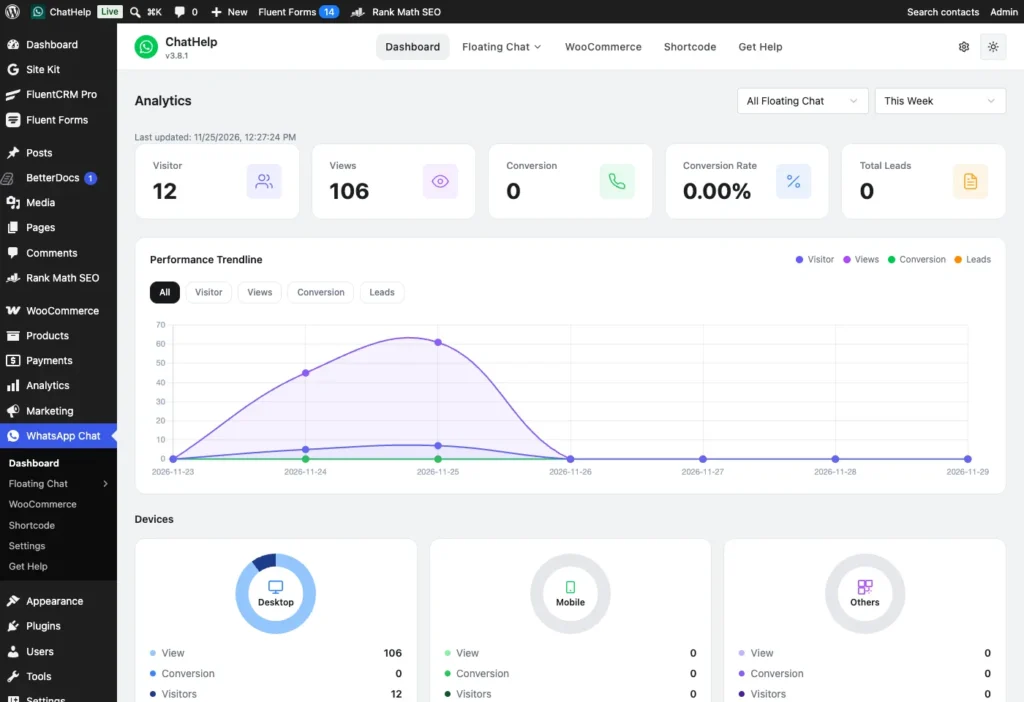
If Chat Help helps you, a review on WordPress.org (opens in a new tab) helps other people find it and tells us what to improve.
How to leave a review #
- Open the Chat Help reviews page (opens in a new tab) on WordPress.org.
- Log in with your WordPress.org account (create one for free if needed).
- Choose the stars, give the review a title, write what works for you, and submit.
Found a problem instead? Tell us through support first, so we can fix it.
Rate Chat Help: still have a question? Ask in the Chat Help forum on WordPress.org (opens in a new tab), or open a support ticket with Pro.
