
Free Works in Chat Help Free and Pro.
You don’t need coding skills to use Chat Help: every setting is in the WordPress dashboard.
Set up a chat without coding skills #
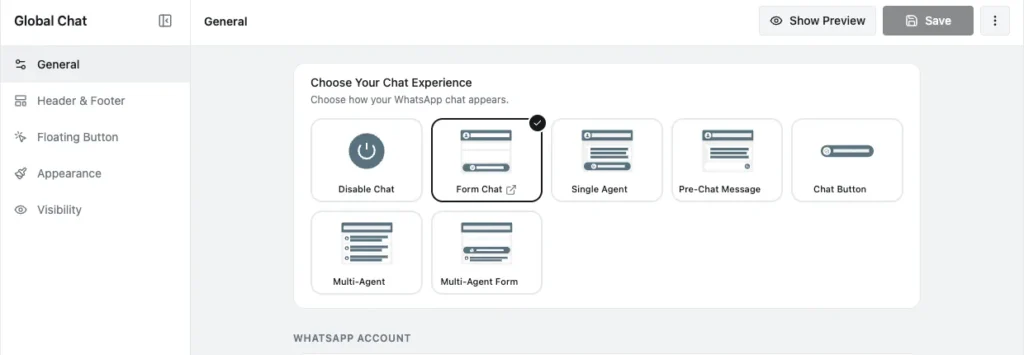
No. Every setting is in the dashboard, with a live preview. Developers can use filters for special cases.
What you do without code #
- Set up every chat in WhatsApp Chat → Floating Chat. Show Preview shows the chat as you change it.
- Copy a ready button shortcode from WhatsApp Chat → Shortcode.
- Add the WhatsApp Button block in the block editor, or the widget in Elementor, and set it up in the sidebar.
- Turn on WooCommerce buttons under WhatsApp Chat → WooCommerce.
If you do write code #
- Custom CSS and JavaScript fields for small style changes.
- Filters to change the number or link per post.
Coding skills: still have a question? Ask in the Chat Help forum on WordPress.org (opens in a new tab), or open a support ticket with Pro.
