
Free Works in Chat Help Free and Pro.
For GDPR compliance, Chat Help can show a consent checkbox; the chat waits until the visitor ticks it.
Settings for GDPR compliance #
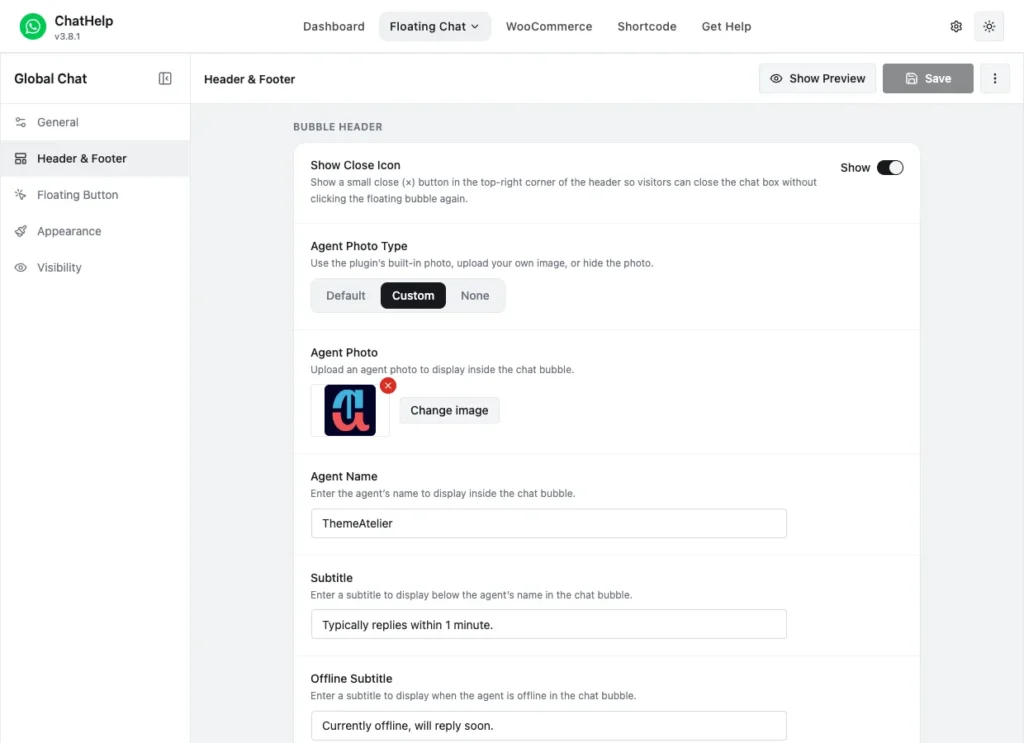
Switch on GDPR Compliance in the Header & Footer tab and write the consent text (links allowed). Visitors must tick it before WhatsApp opens; the desktop QR code waits for it too. Mention WhatsApp and saved leads in your privacy policy.
What Chat Help stores #
- Leads: with Leads (Form Submissions) on, the answers of the form layouts are saved in WordPress. Switch it off if you don’t need them.
- Analytics: views and clicks for the dashboard. Raw events are kept for 90 days by default (Keep Raw Events (days) in Settings → Analytics).
Checklist #
- Switch on GDPR Compliance and link to your privacy policy in the message.
- Say in the privacy policy that visitors can contact you on WhatsApp, a Meta service, and that form answers may be saved.
- Export or delete leads when someone asks, from Leads.
This is not legal advice. Check what applies to your site.
Still have a question? Ask in the Chat Help forum on WordPress.org (opens in a new tab), or open a support ticket with Pro.
