
Pro Chat Help Pro feature.
With a license upgrade you move to a plan with more sites and pay only the difference.
License upgrade, step by step #
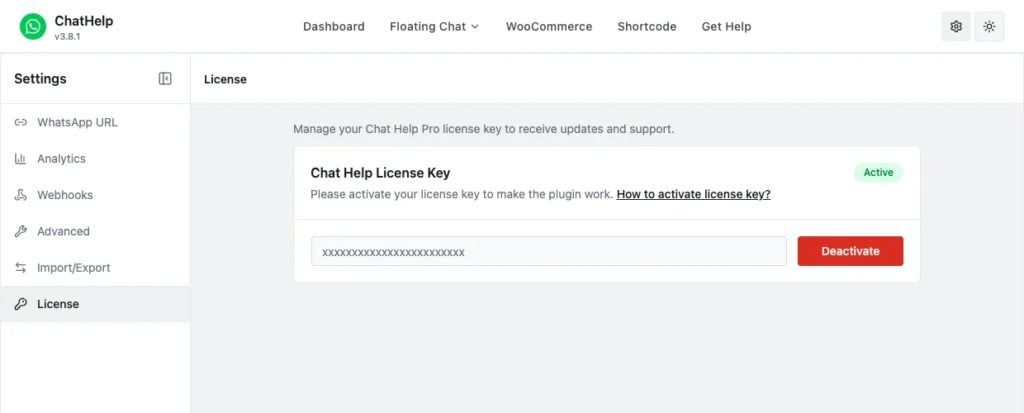
When you upgrade, you pay only the difference between your plan and the new one. For example, from Single Site to Five Sites (yearly): $79 − $39 = $40.
- Log in to your ThemeAtelier account (opens in a new tab).
- Go to My Account → Dashboard → License Keys and click View Upgrades.
- Click Upgrade License next to the plan you want and complete the checkout.
Your key stays the same; it now covers more sites. Current prices are on the pricing page.
License upgrade: still have a question? Ask in the Chat Help forum on WordPress.org (opens in a new tab), or open a support ticket with Pro.
