WhatsApp Chat Help screenshots
The Chat Help admin: the dashboard, every chat setting, WooCommerce buttons, leads and settings.
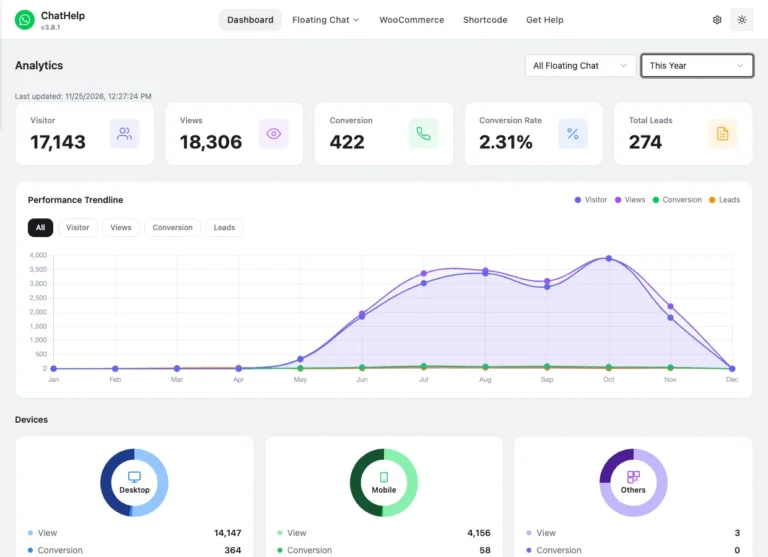
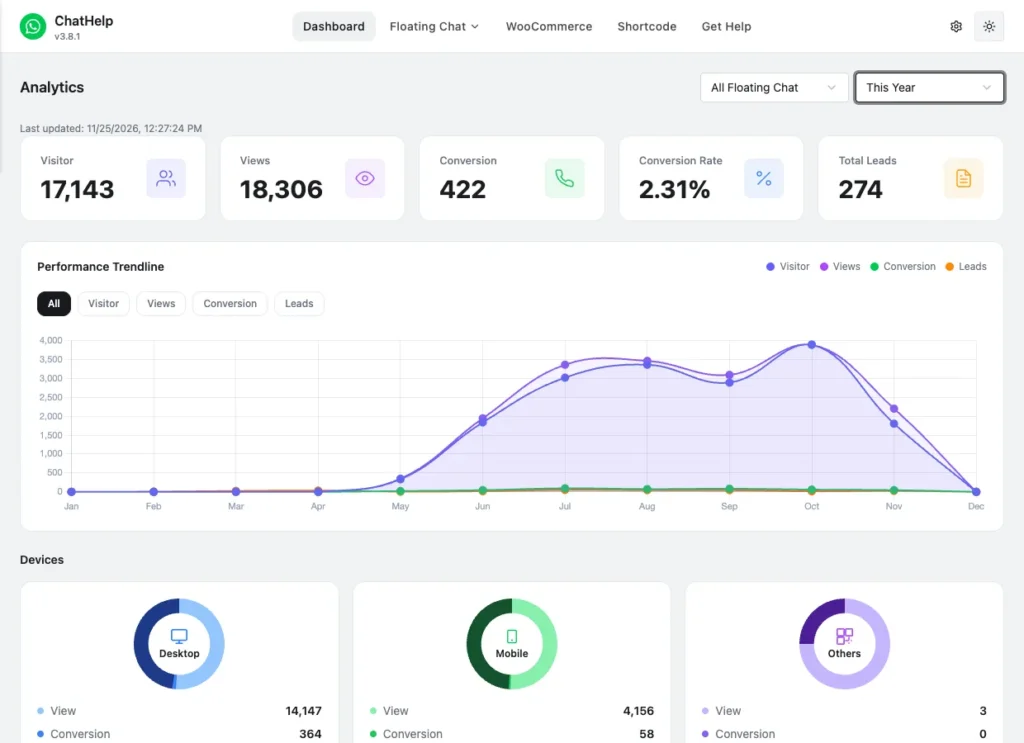
Dashboard: visitors, views, conversions and leads 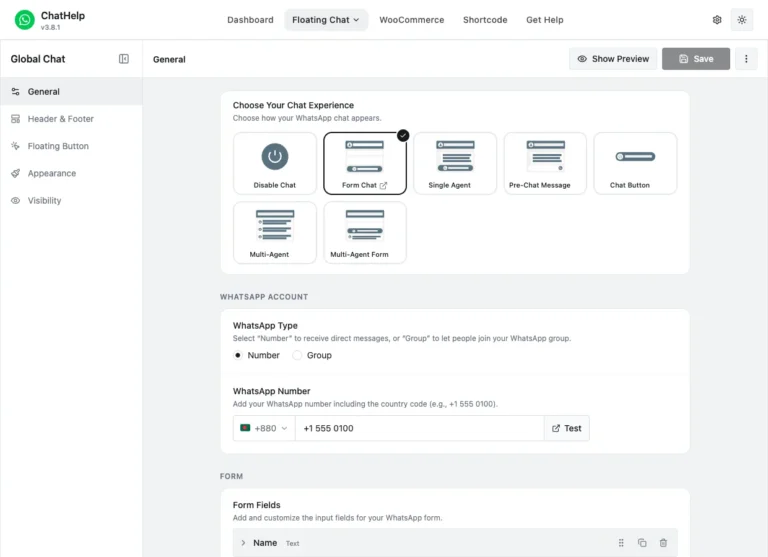
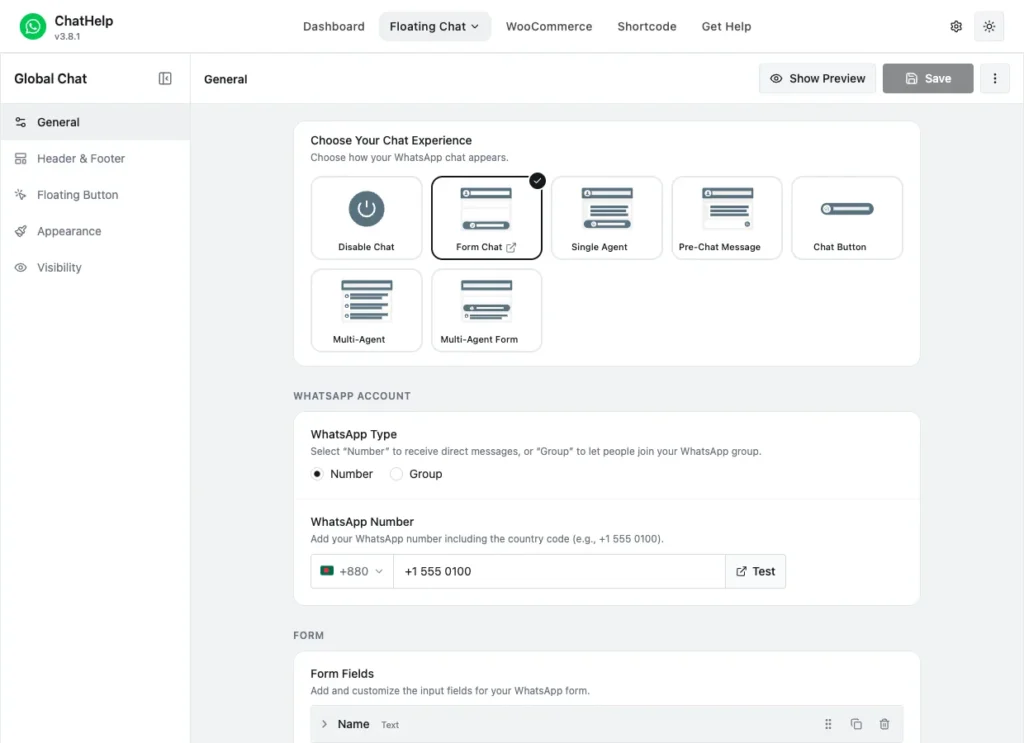
Global Chat: choose the chat experience and your number 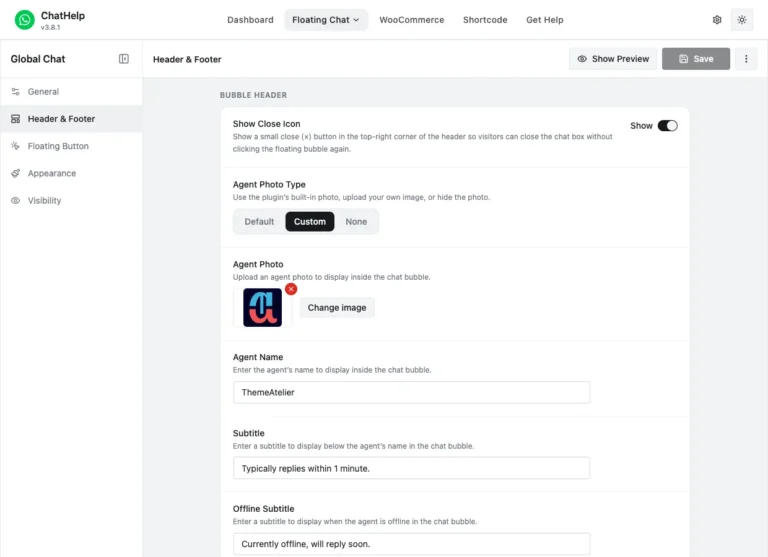
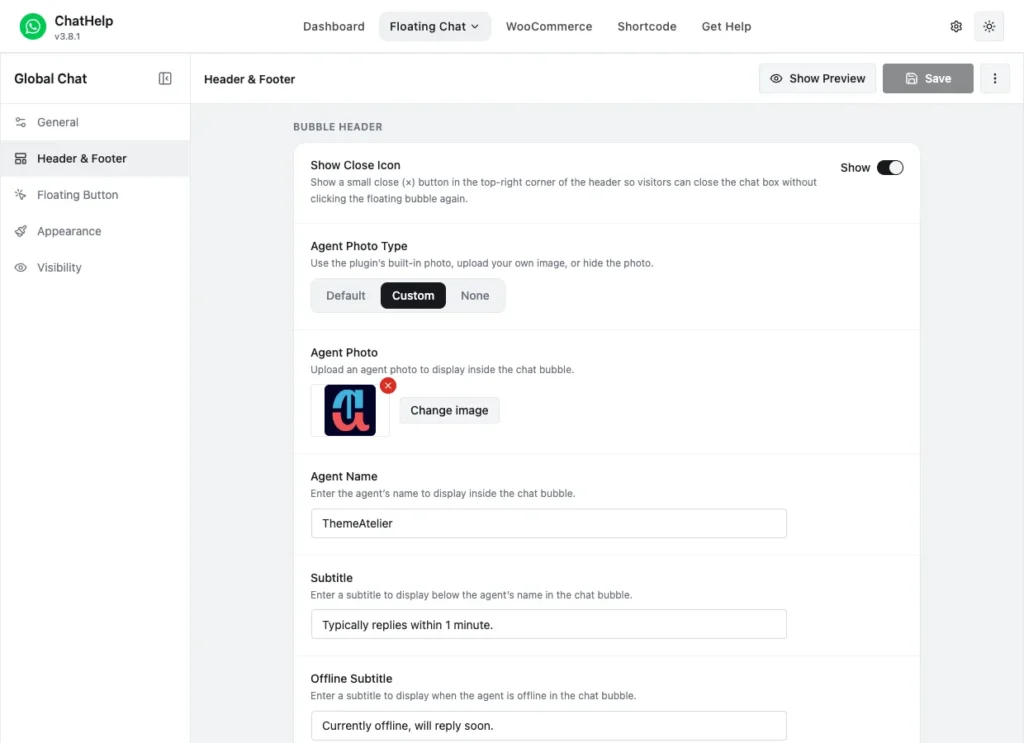
Header and footer of the chat window 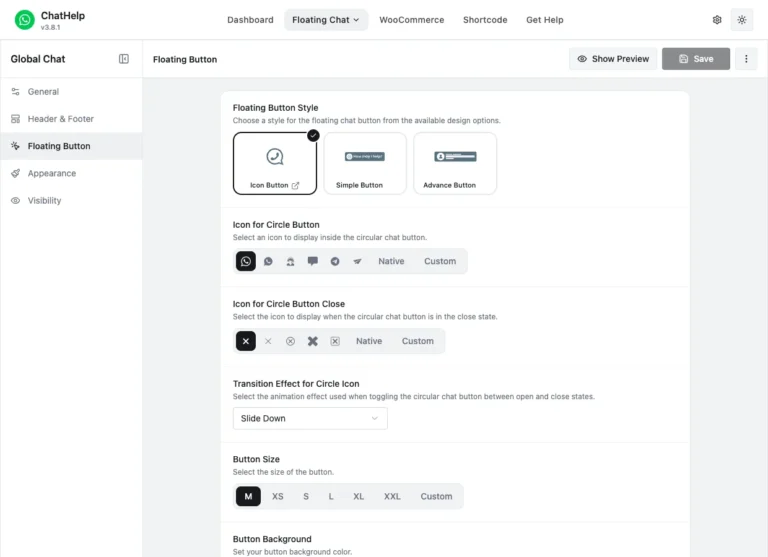
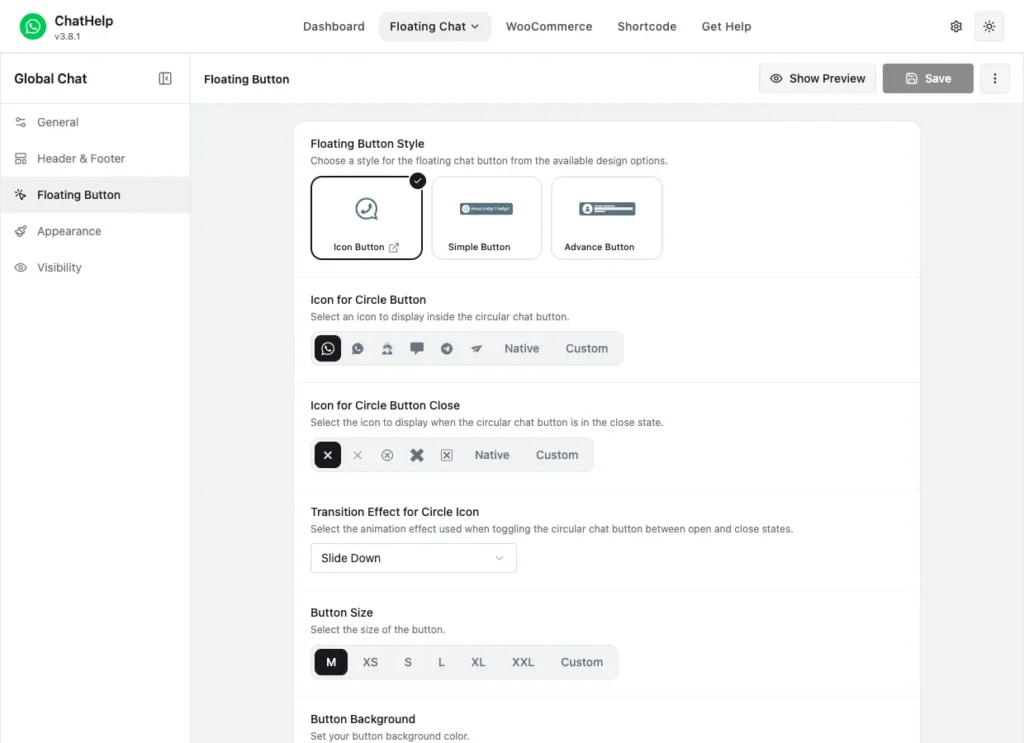
Floating button style, icons and position 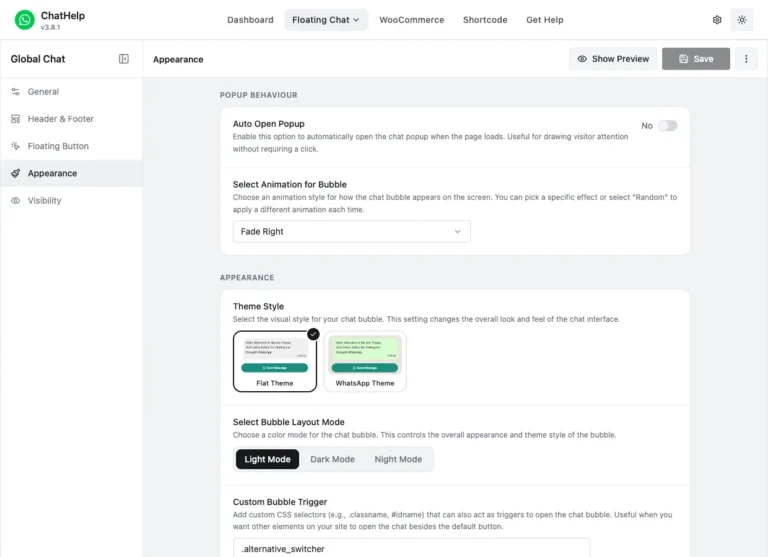
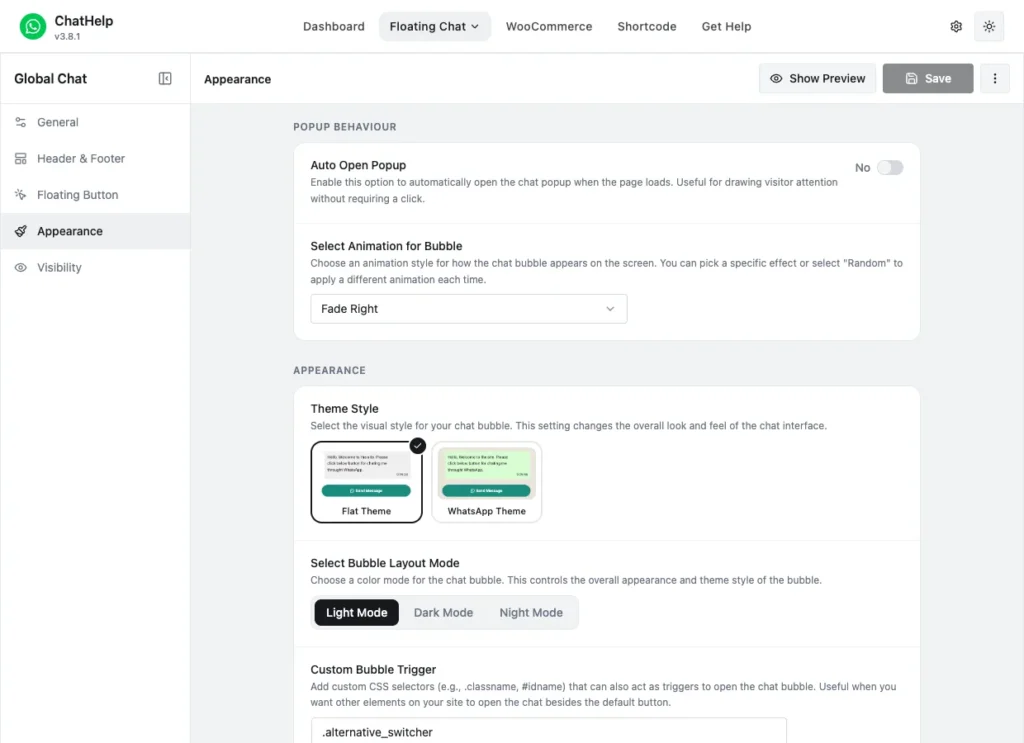
Theme, light, dark or night mode, colours and fonts 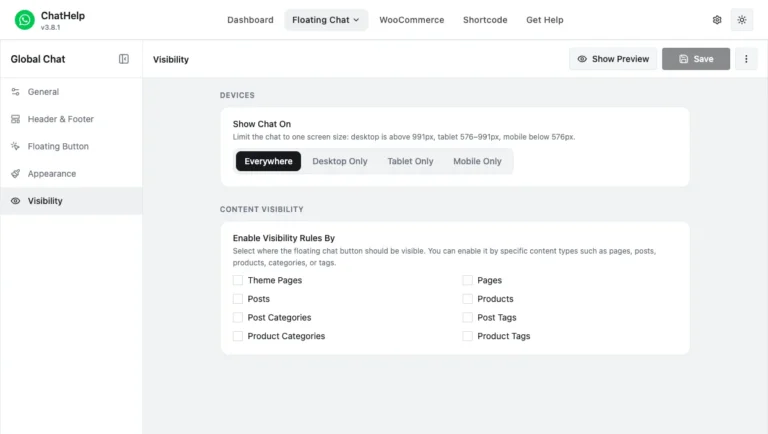
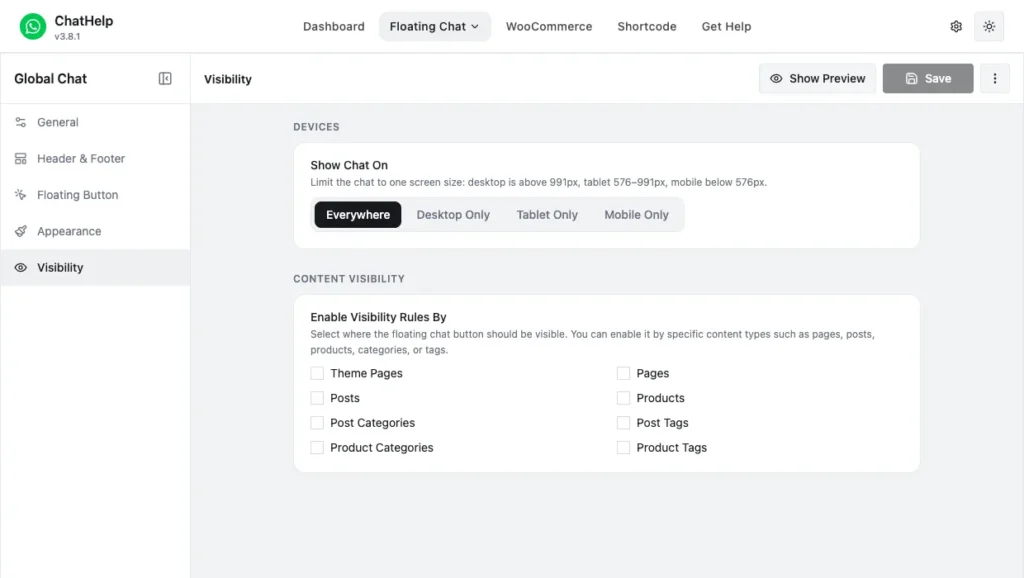
Visibility rules by device and content 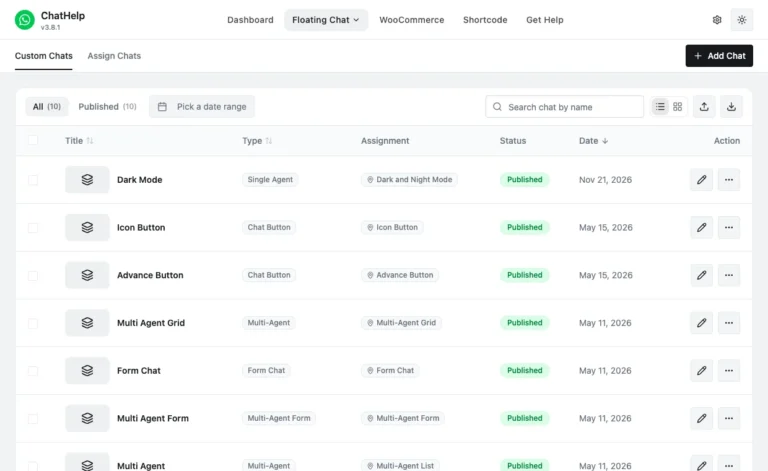
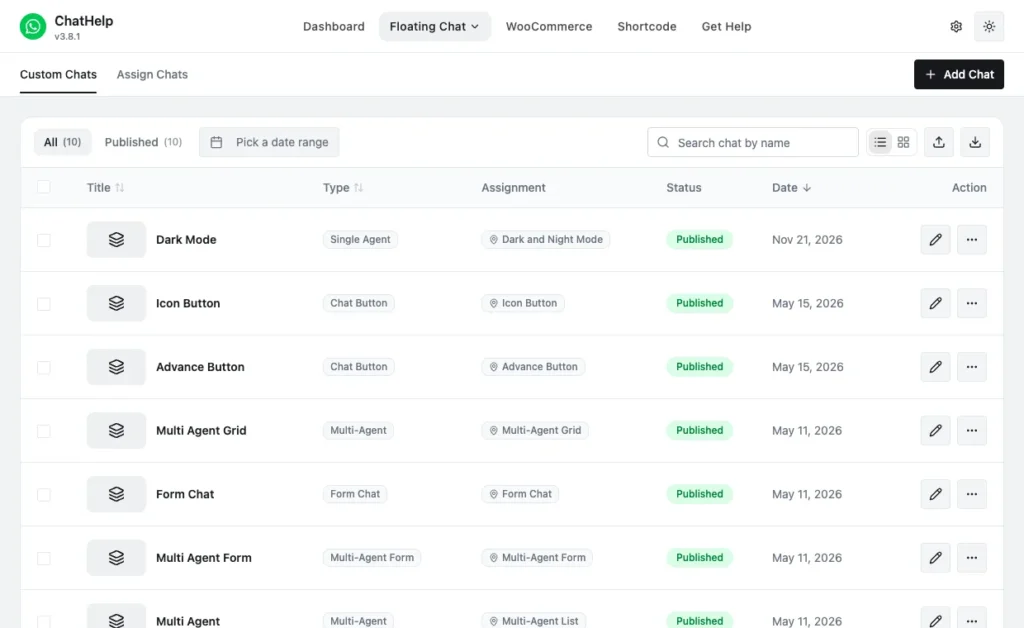
Custom Chats: a different chat for different pages 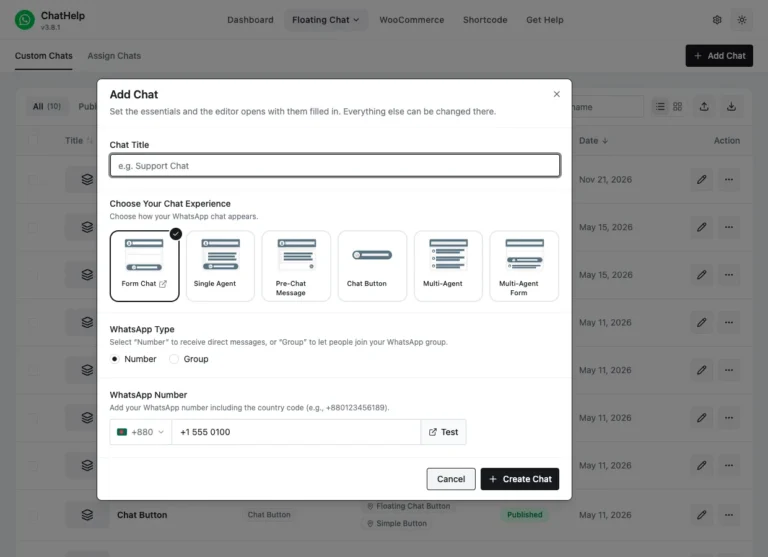
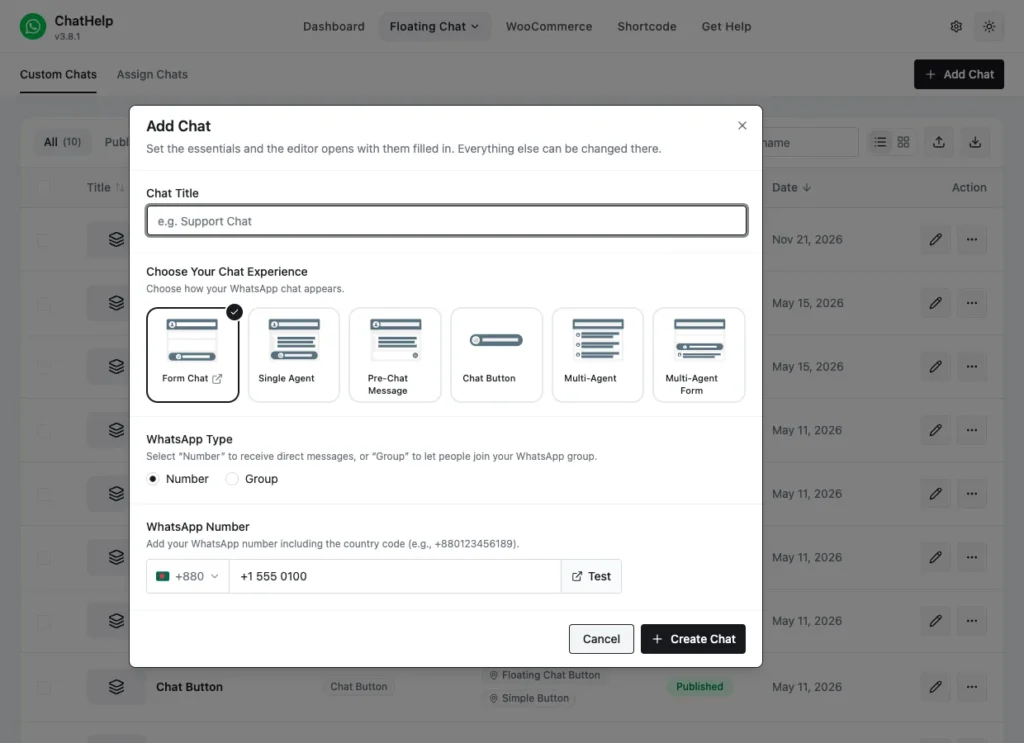
Add Chat: the essentials first 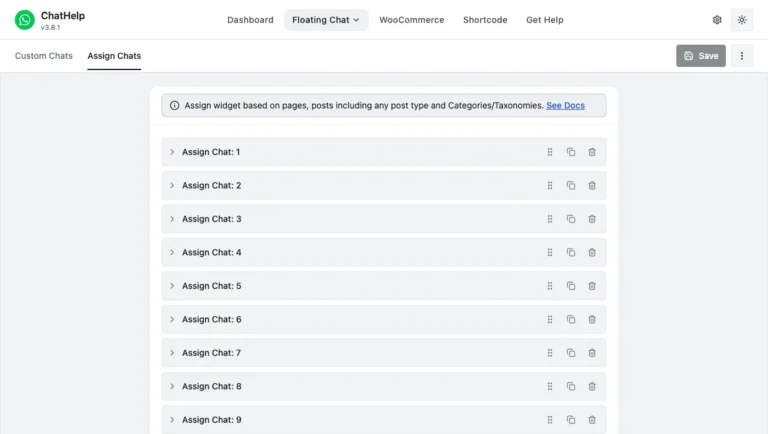
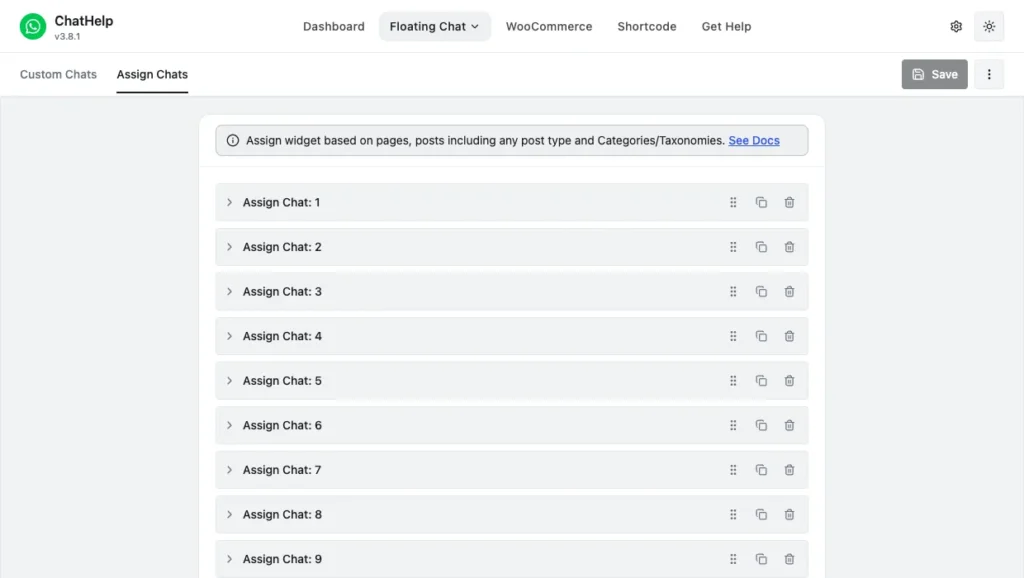
Assign Chats to posts, pages and products 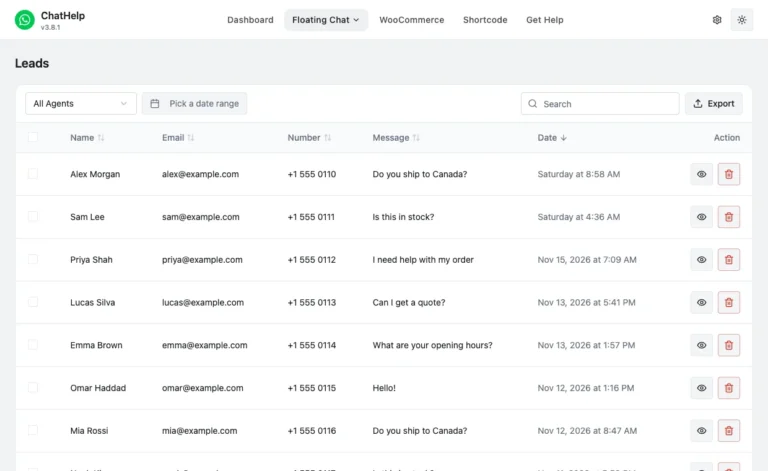
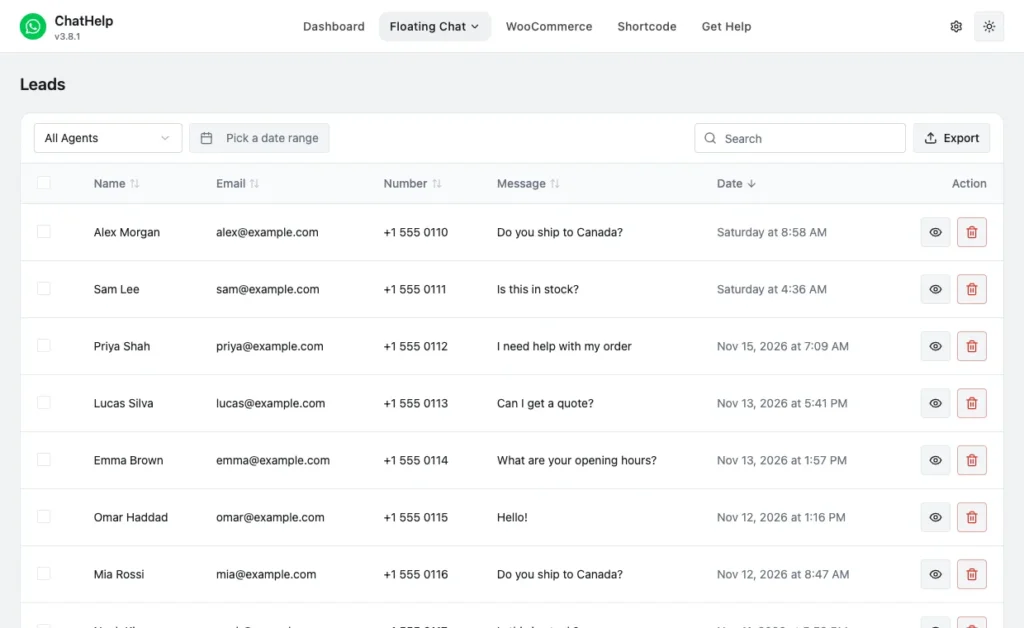
Leads with search, filters and CSV export (example data) 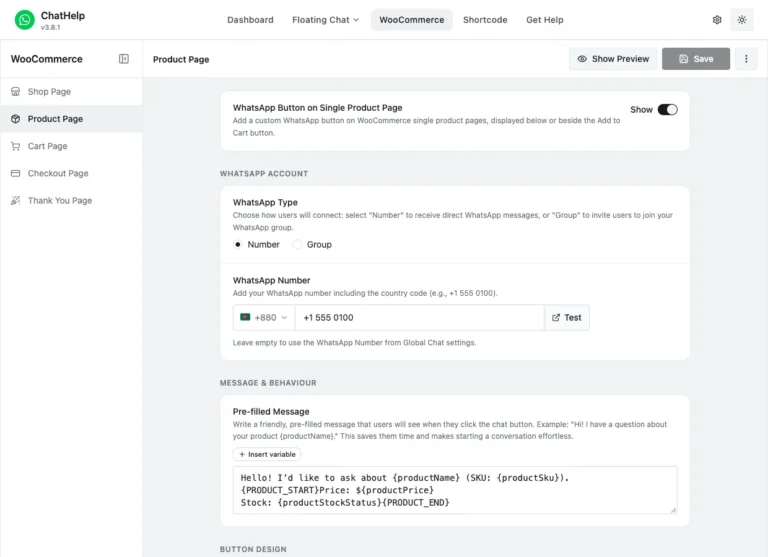
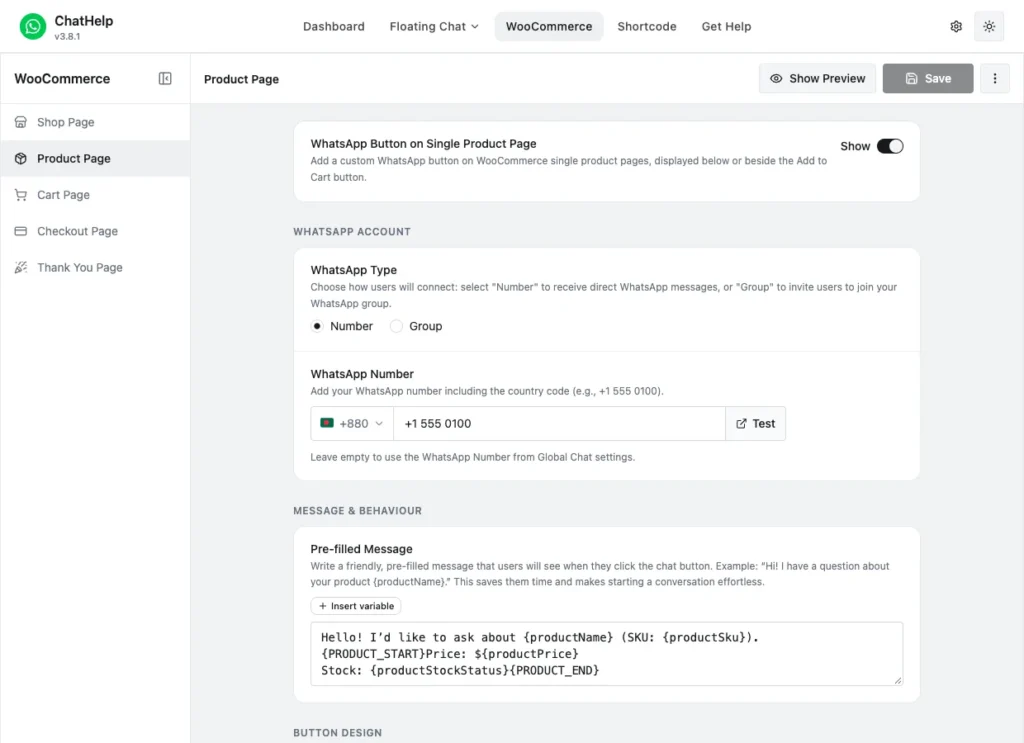
WooCommerce: product page button 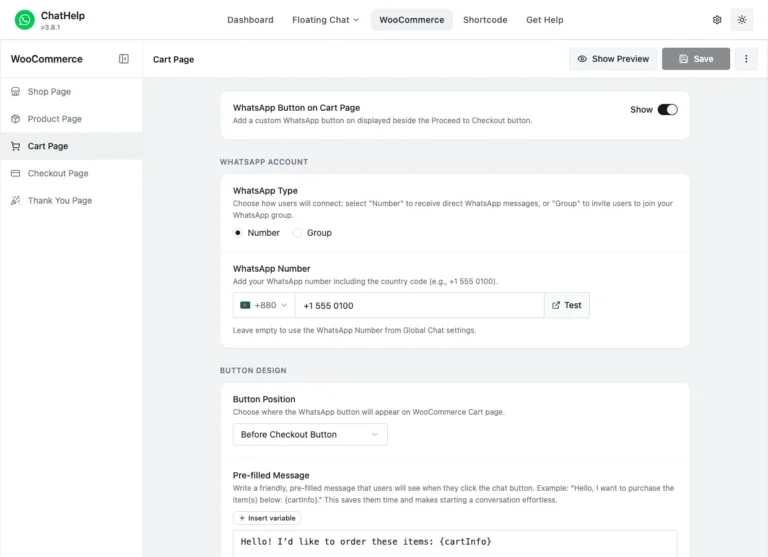
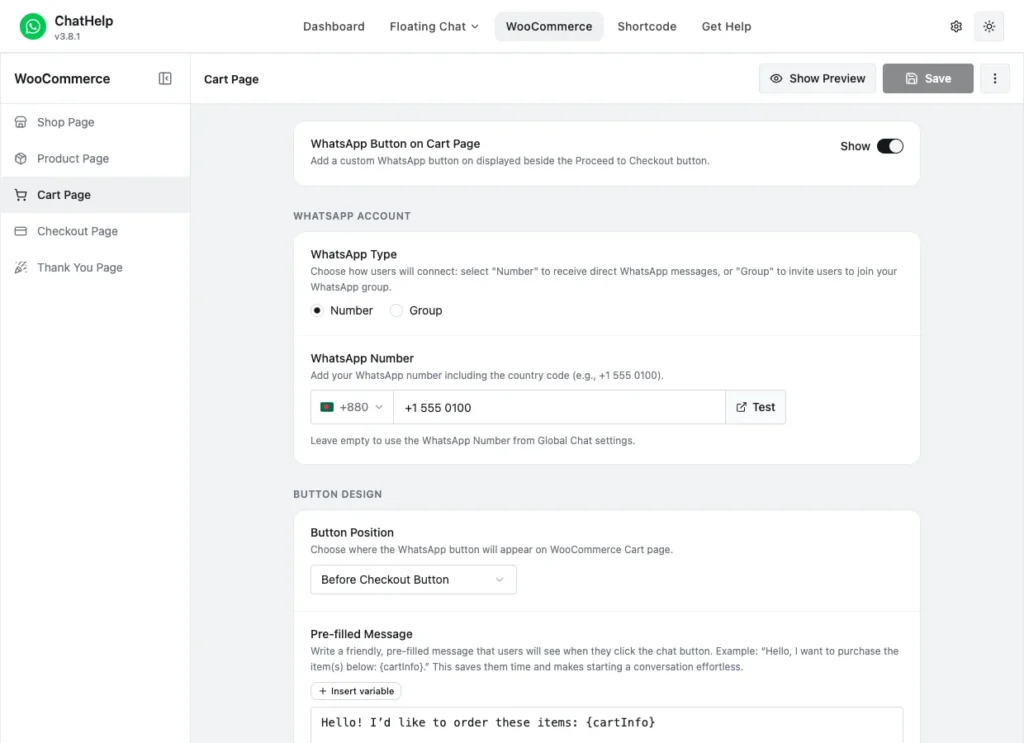
WooCommerce: cart page button 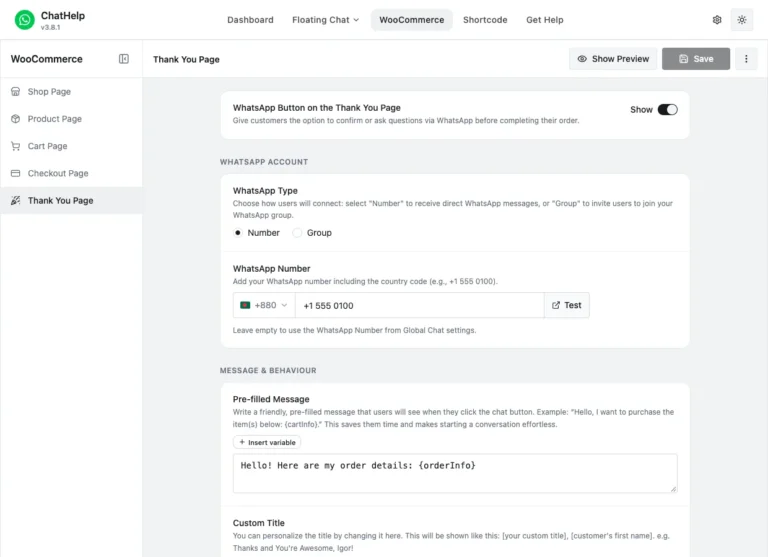
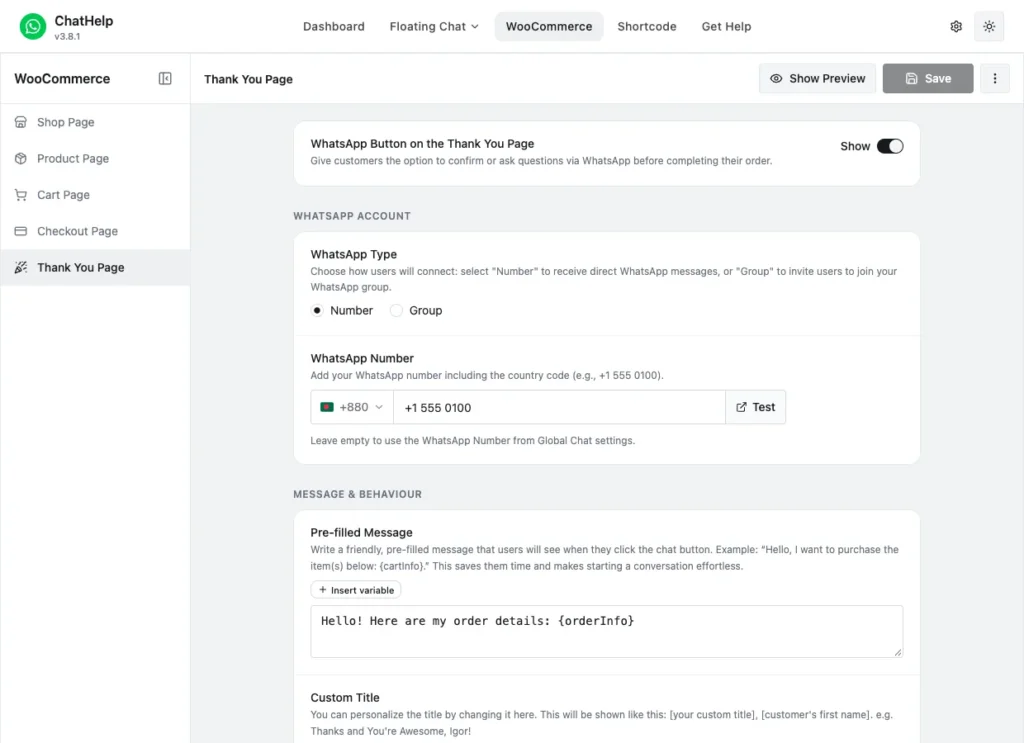
WooCommerce: thank-you page button 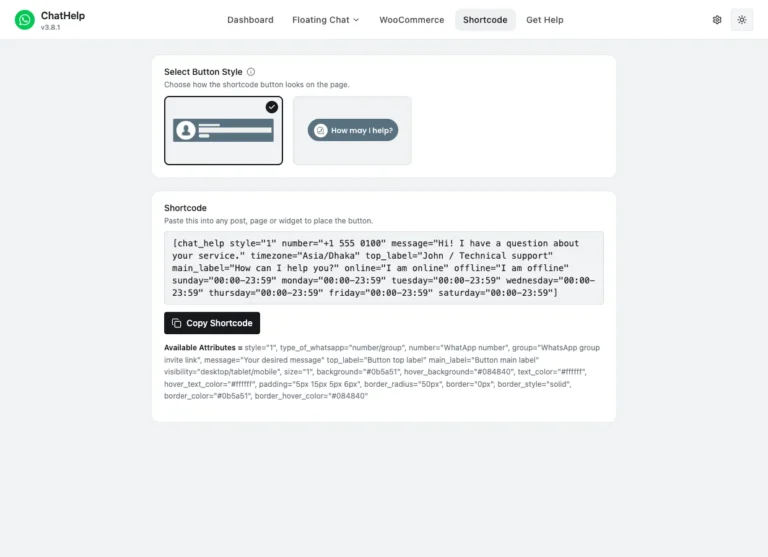
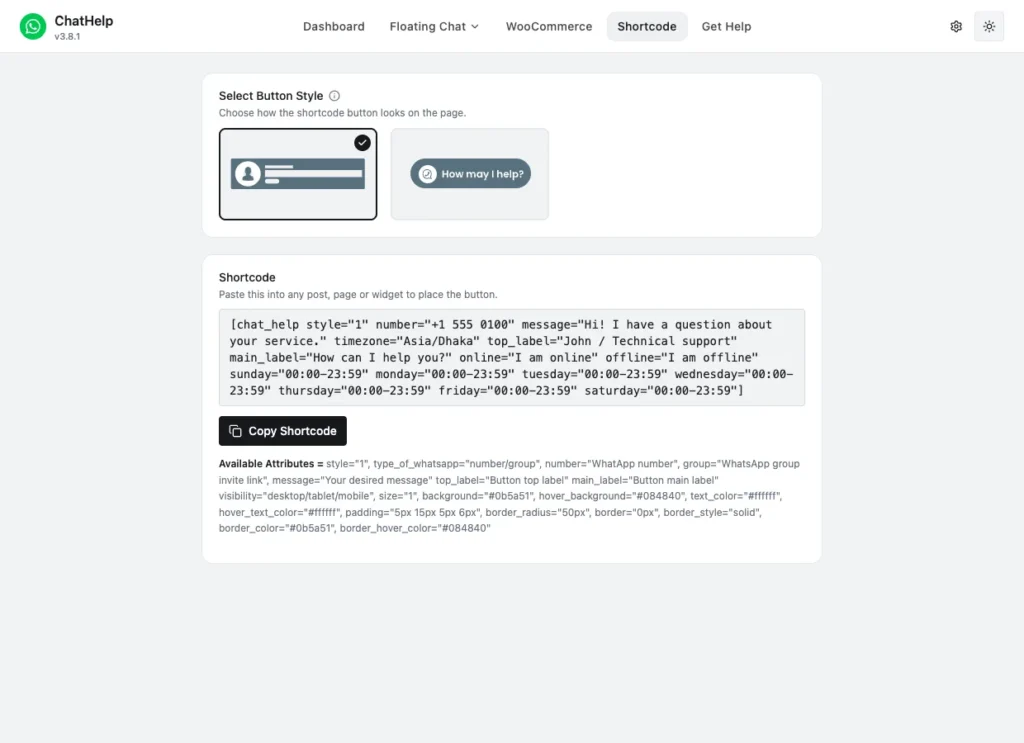
Ready-made button shortcodes 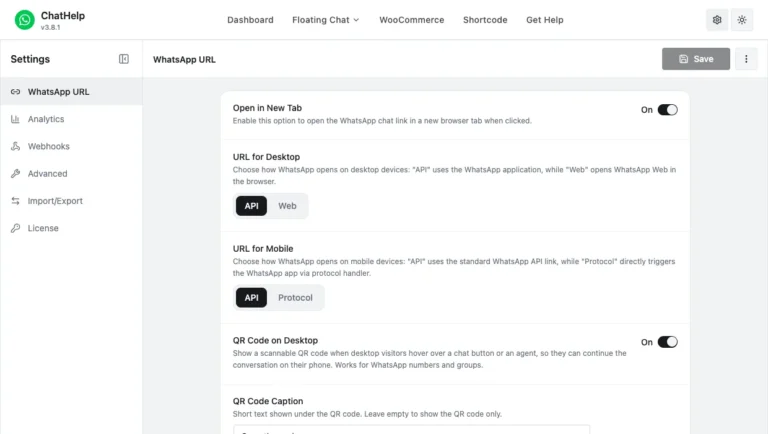
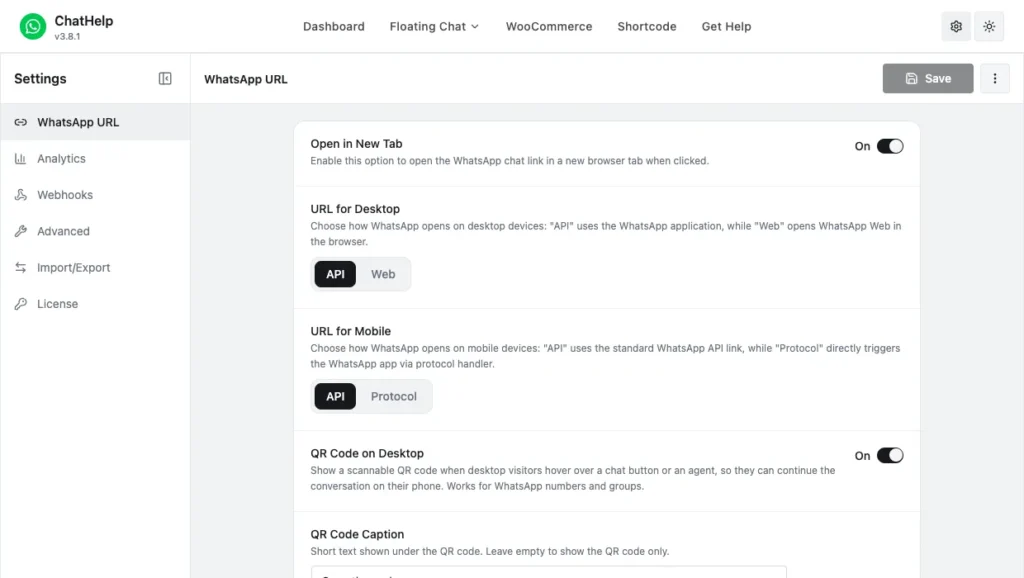
WhatsApp URL settings and the desktop QR code 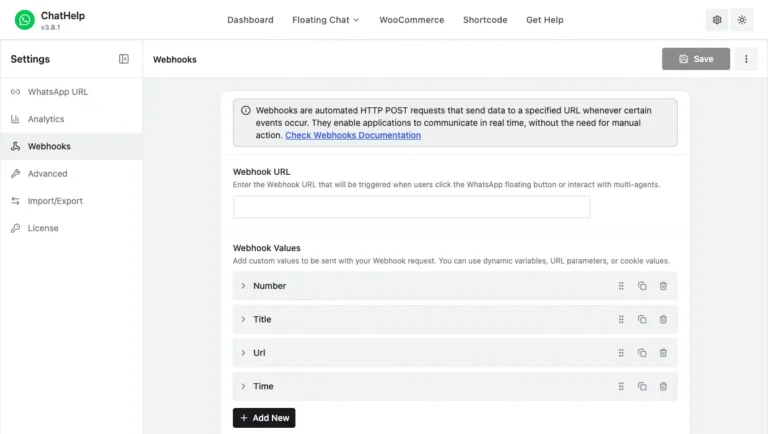
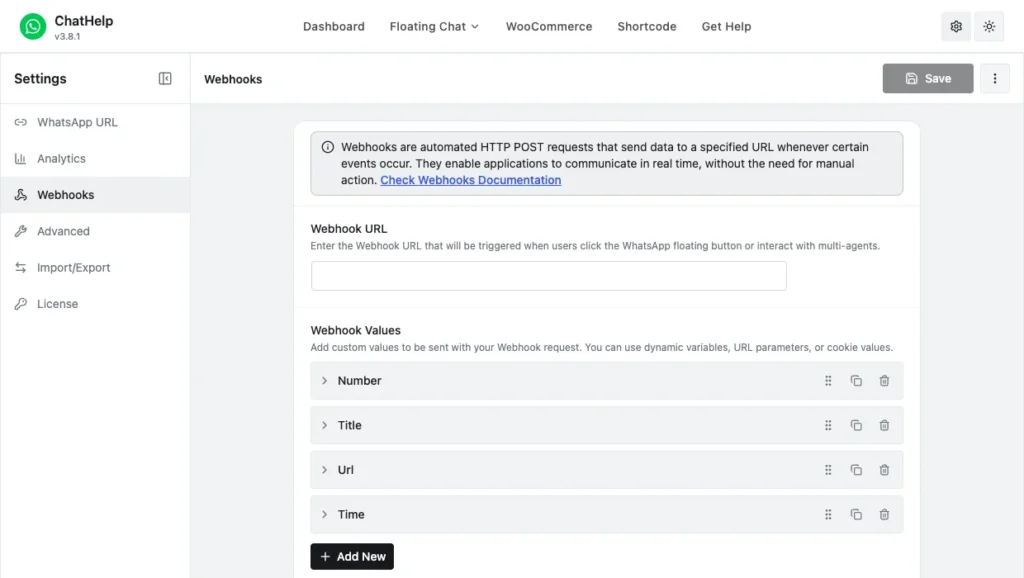
Webhooks (Pro) 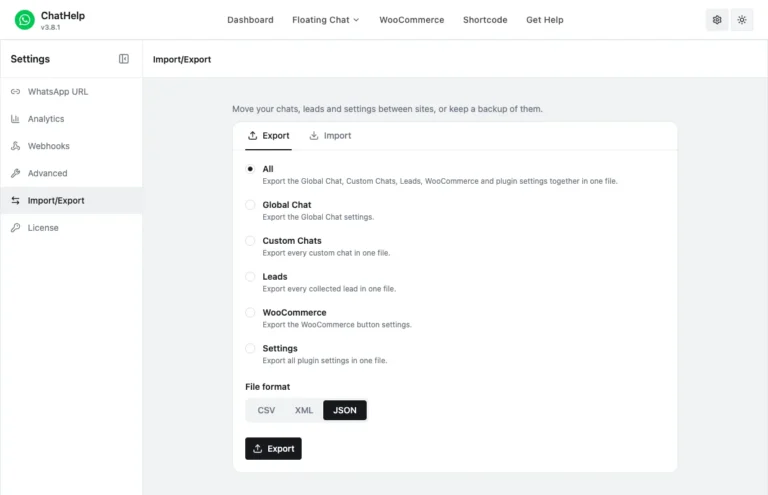
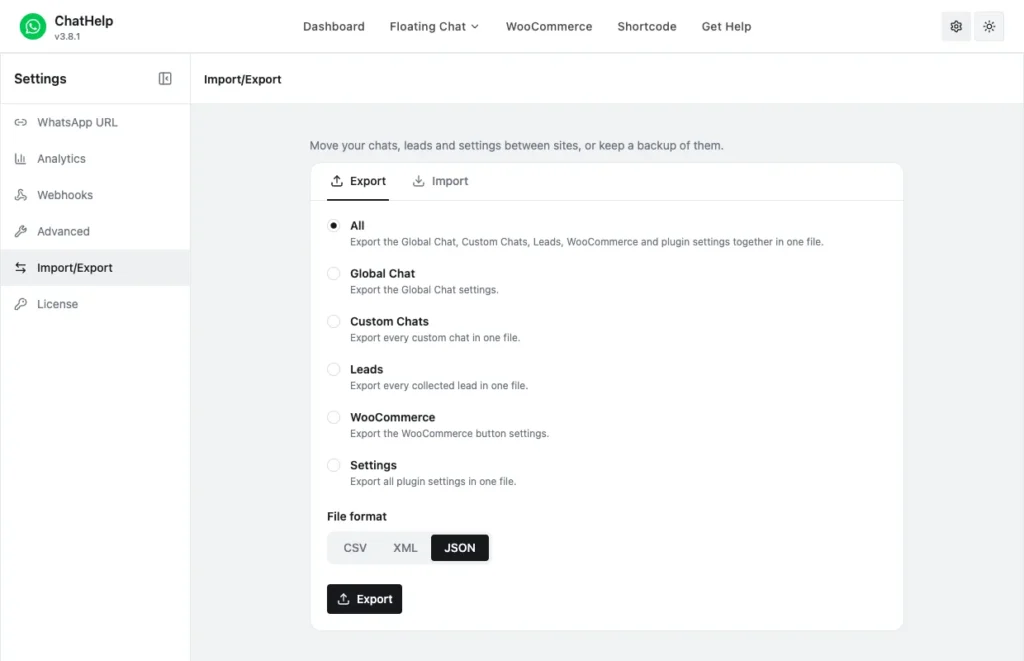
Import and export chats, leads and settings 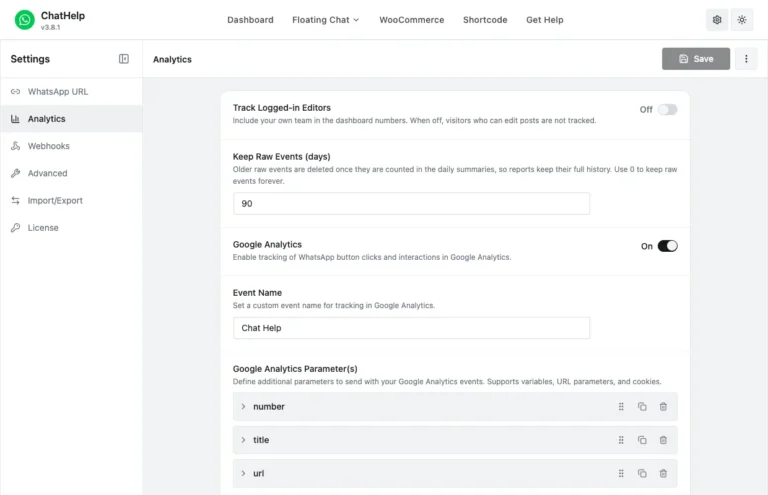
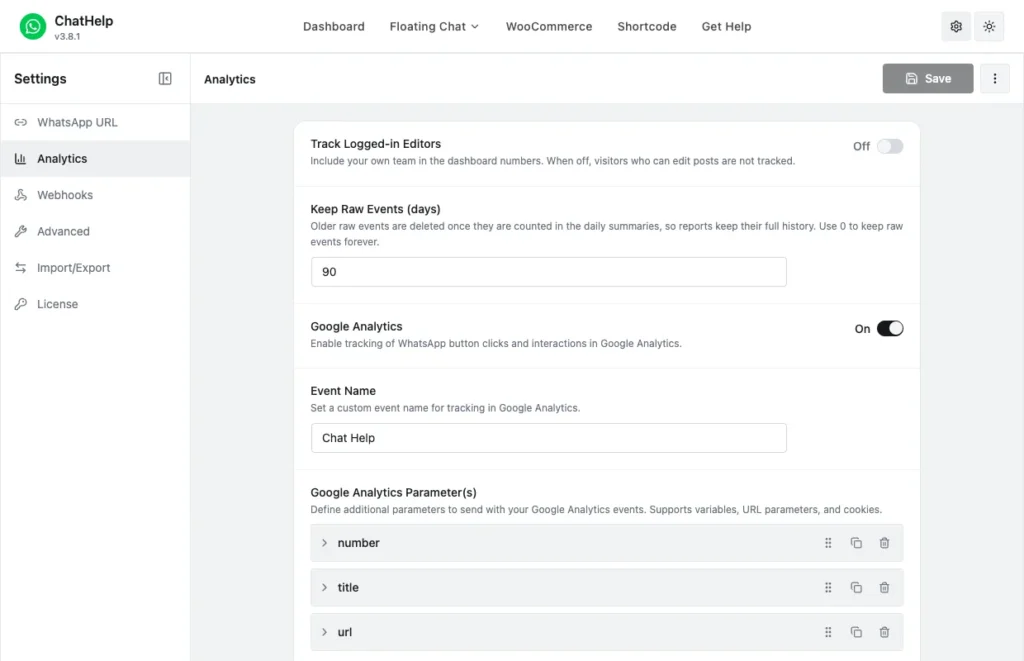
Analytics and Google Analytics settings