
Free Works in Chat Help Free and Pro.
Timezone and availability settings decide when the chat shows as online or offline.
Set the timezone and availability #
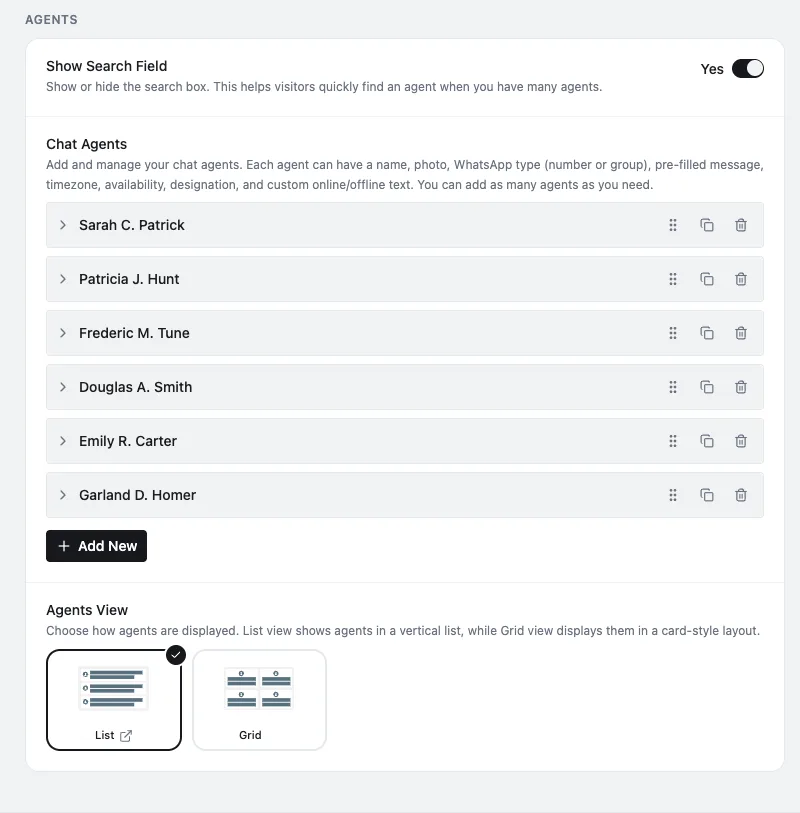
Choose a Timezone and set hours for each day. Inside them the chat shows as online; outside them it shows your offline text, so visitors know you may reply later. In the Multi-Agent layouts (Pro) each agent has their own timezone and hours. Buttons made with the shortcode, block or Elementor widget have their own hours too.
Set it up #
- In the chat’s General tab, pick the Timezone your team works in, not the visitor’s.
- Set a start and end time for each day in 24-hour format, e.g. 09:00 to 18:00.
- To mark a whole day as offline, set both times to 00:00.
- Write the offline subtitle in the Header & Footer tab, e.g. “Back tomorrow at 9”.
Related #
Timezone and availability: still have a question? Ask in the Chat Help forum on WordPress.org (opens in a new tab), or open a support ticket with Pro.
