
Free Works in Chat Help Free and Pro.
What is Chat Help? A WordPress plugin that lets visitors message you on WhatsApp.
What is Chat Help for? #
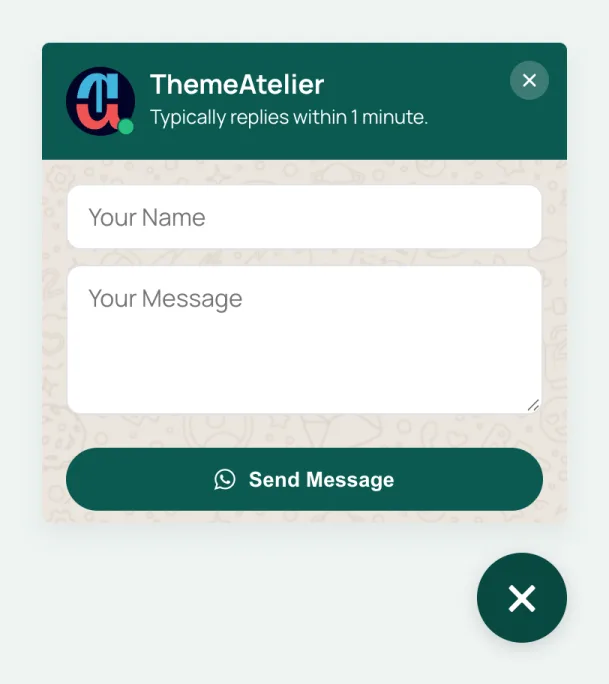
Chat Help is a WordPress plugin that adds WhatsApp chat: a floating chat bubble, WooCommerce buttons and buttons you place in your content. Install it, add your WhatsApp number in the Global Chat and choose a layout. The quick start guide takes a few minutes.
What it adds to your site #
- A floating chat in the corner of every page: a form, one person, a question box, a team (Pro) or a plain button. All layouts.
- WooCommerce buttons on the product, shop, cart, checkout and thank-you pages, with the product, cart or order in the message.
- Buttons in your content with a shortcode, a block or an Elementor widget.
- Leads and analytics: form answers saved in WordPress, and views and clicks on a dashboard.
How to start #
- Install the plugin from WordPress.org.
- Open WhatsApp Chat → Floating Chat → Global Chat, enter your WhatsApp number and choose a layout.
- Save. The chat now shows on every page; Custom Chats let you show a different one on some pages.
Related #
What is Chat Help: still have a question? Ask in the Chat Help forum on WordPress.org (opens in a new tab), or open a support ticket with Pro.
