
Pro Chat Help Pro feature.
License activation connects Chat Help Pro on a site to your account.
License activation, step by step #
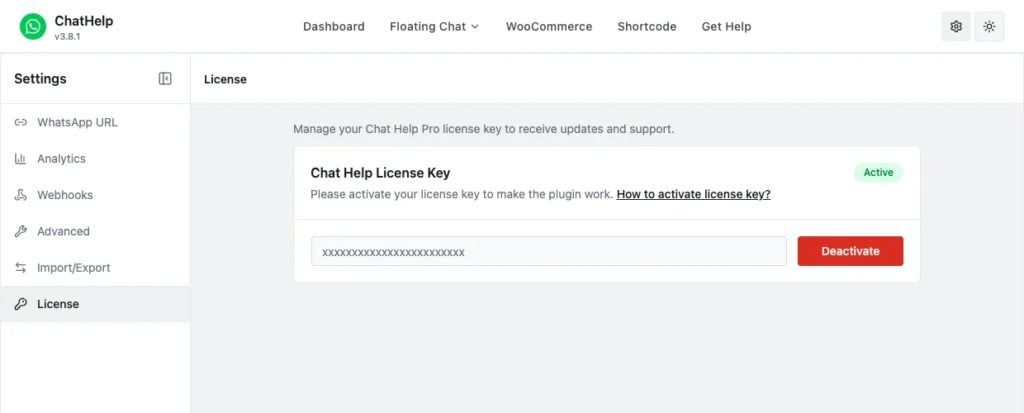
Activate the license under WhatsApp Chat → Settings → License: paste the key and click Activate. The full steps are in Activating the license key.
Moving the license to another site #
On the old site, open the same screen and click Deactivate. The activation is freed, and you can activate the key on the new site.
If activation fails #
- Check that the key was copied completely, without spaces.
- The activation limit is reached: deactivate the key on a site you no longer use, or upgrade the license.
- Staging and development sites don’t count against the limit (list).
- Still stuck? Contact support with your key and site address.
License activation: still have a question? Ask in the Chat Help forum on WordPress.org (opens in a new tab), or open a support ticket with Pro.
