
Free + Pro Most settings are in the free version; settings marked Pro need Chat Help Pro.
Updating the plugin takes one click, and your chats and settings are kept.
Updating the plugin, step by step #
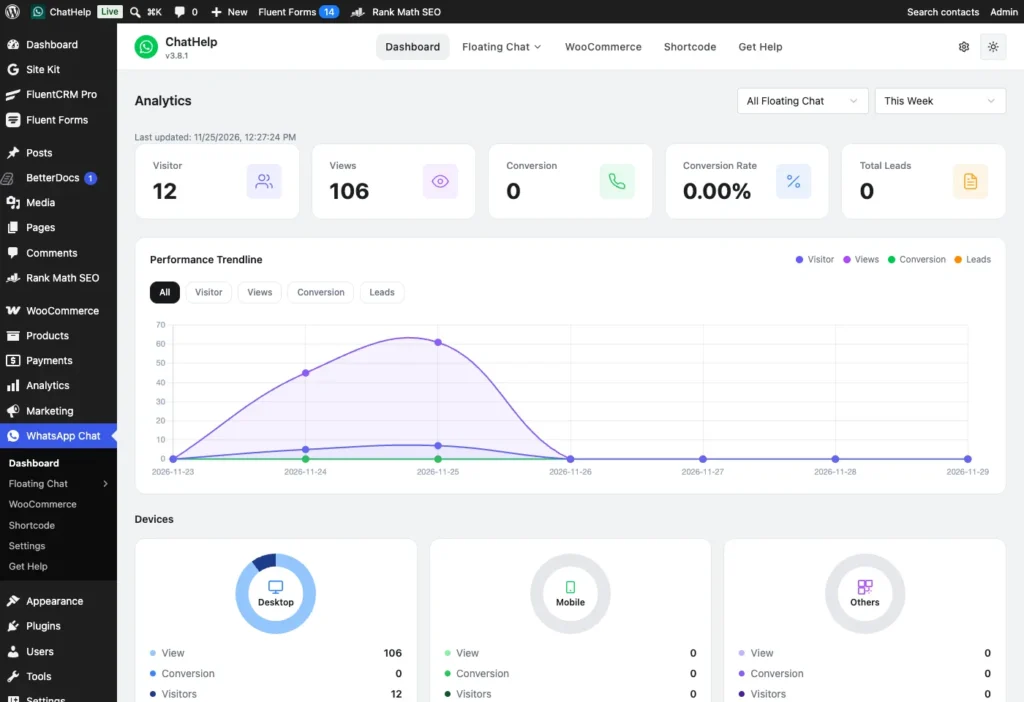
Free: updates appear under Dashboard → Updates like any WordPress.org plugin.
Pro: with an active license, new versions appear under Dashboard → Updates and on the Plugins screen. Click Update now. Your chats and settings are kept.
Note
Before a large update, export your settings under WhatsApp Chat → Settings → Import/Export as a backup. See Import and export.
Every release is listed in the changelog.
Still have a question? Ask in the Chat Help forum on WordPress.org (opens in a new tab), or open a support ticket with Pro.
