
Pro Chat Help Pro feature.
Your license key turns on automatic updates and support for Chat Help Pro on this site.
Activate your license key #
Activate your Chat Help Pro license.
-
Copy your key #
Log in to your ThemeAtelier account (opens in a new tab) and copy the key from My Account → Dashboard → License Keys.
-
Open the License screen #
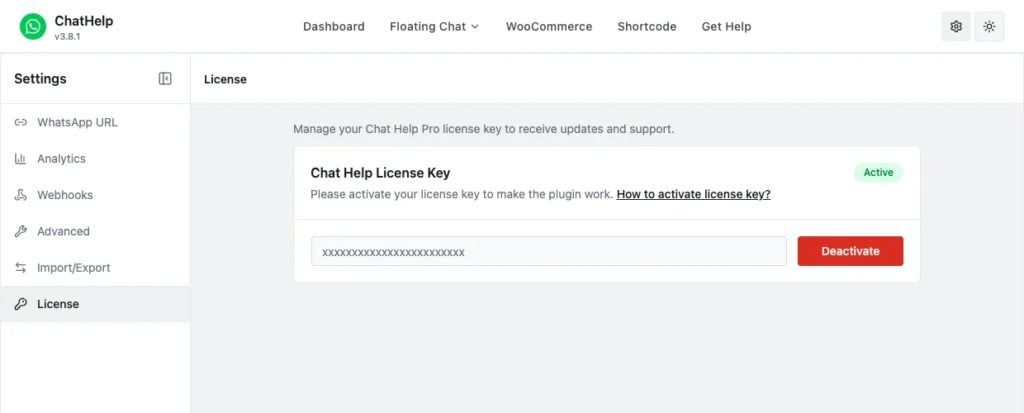
In WordPress go to WhatsApp Chat → Settings and open License.
-
Activate #
Paste the key and click Activate. The status changes to active, and updates appear under Dashboard → Updates.
See also: where a license can be used.
Still have a question? Ask in the Chat Help forum on WordPress.org (opens in a new tab), or open a support ticket with Pro.
