

WhatsApp Icon Button for WordPress
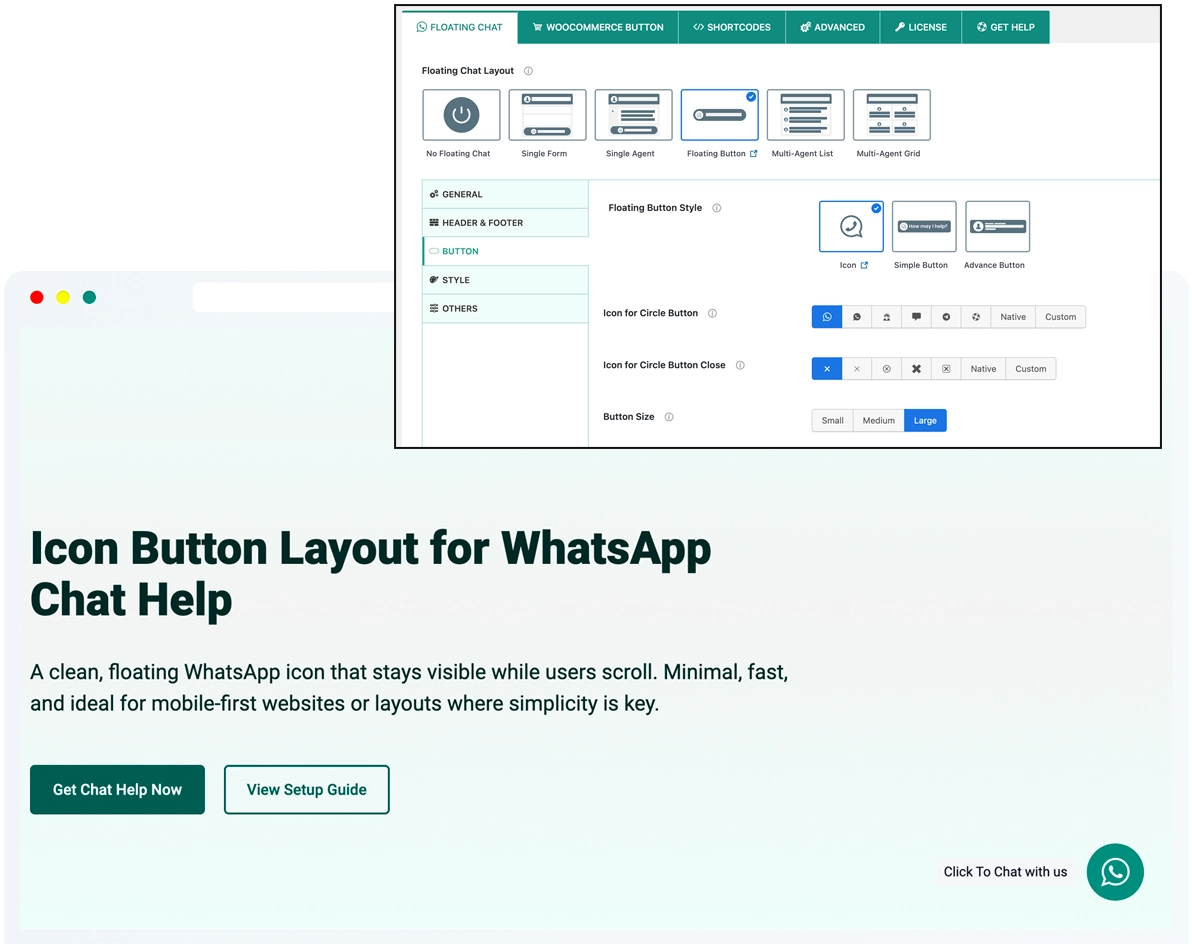
A clean, floating WhatsApp icon that stays visible while users scroll. Minimal, fast, and ideal for mobile-first websites or layouts where simplicity is key.
Table of Contents
What Is the WhatsApp Icon Button for WordPress?
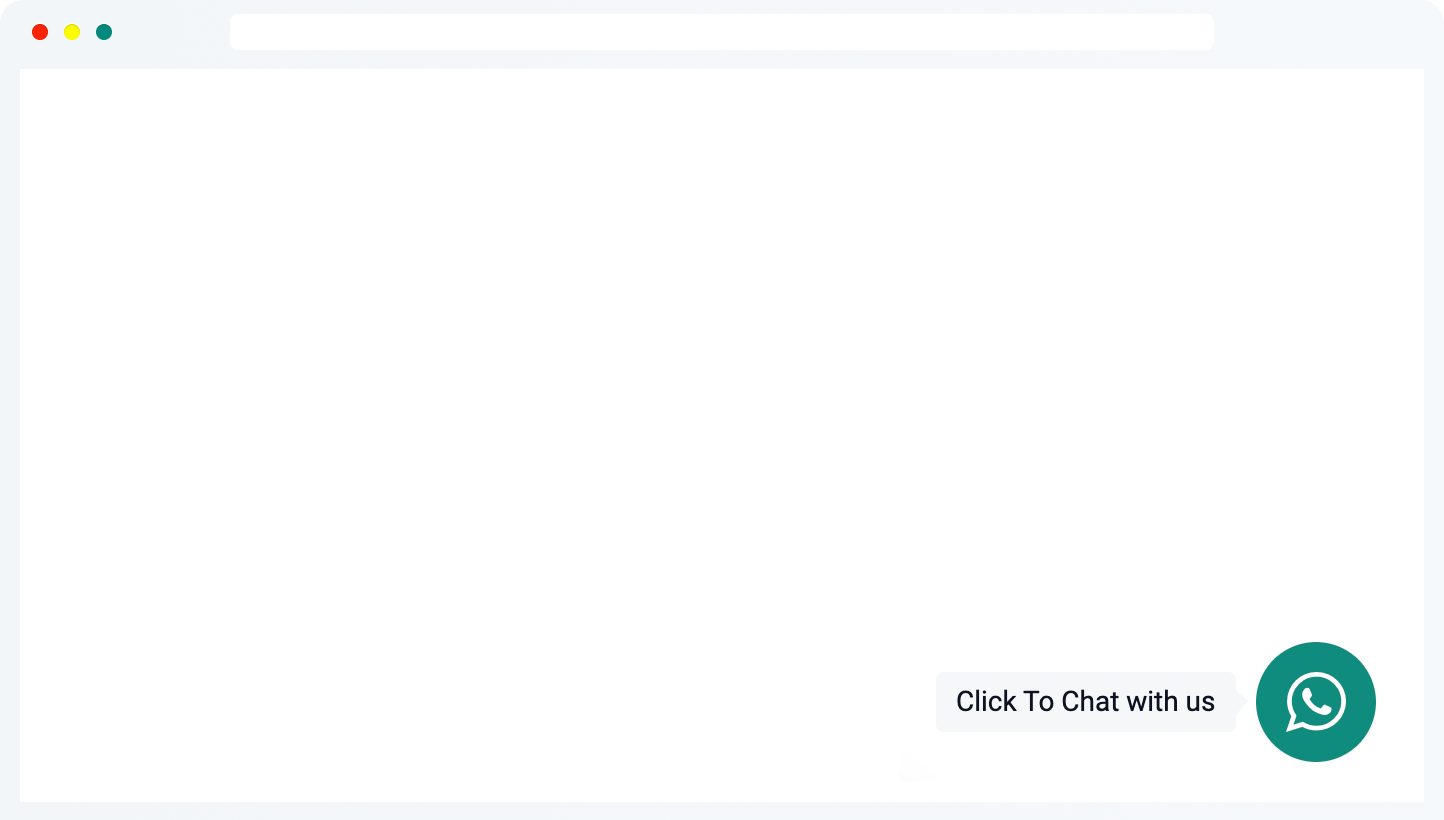
The WhatsApp Icon Button for WordPress is the most minimal way to let visitors contact you via WhatsApp.
It adds a small, floating WhatsApp icon to your site that stays visible as users scroll. With a single click, visitors are taken directly to WhatsApp (or WhatsApp Business) to start a conversation — no popups, no forms, and no extra steps.
Designed for speed and simplicity, the Icon Button blends seamlessly into your layout while keeping WhatsApp chat instantly accessible. You can customize the icon, position, colors, and animations to match your site — without adding clutter or complexity.
It adds a small, floating WhatsApp icon to your site that stays visible as users scroll. With a single click, visitors are taken directly to WhatsApp (or WhatsApp Business) to start a conversation — no popups, no forms, and no extra steps.
Designed for speed and simplicity, the Icon Button blends seamlessly into your layout while keeping WhatsApp chat instantly accessible. You can customize the icon, position, colors, and animations to match your site — without adding clutter or complexity.
Instant WhatsApp redirection — one click, no interruptions
Clean, unobtrusive design that fits any layout
Perfect for mobile-first experiences and small screens
Customizable icons, colors, position, and animations
Lightweight and fast-loading, ideal for minimalist websites
Key Features of the WhatsApp Icon Button for WordPress
Add a fast, lightweight WhatsApp chat button with zero distractions.
The WhatsApp Icon Button for WordPress delivers direct click-to-chat functionality with a clean floating design, full visual control, and seamless integration — all without popups, forms, or complex UI.
The WhatsApp Icon Button for WordPress delivers direct click-to-chat functionality with a clean floating design, full visual control, and seamless integration — all without popups, forms, or complex UI.
One-Tap WhatsApp Access
Start a WhatsApp chat instantly with a single click. Visitors are redirected straight to WhatsApp or WhatsApp Business — no forms, no profile popups, no extra steps.
Minimalist Floating Design
Keep your layout clean with a small, floating icon button that stays visible without distracting users from your content.
Customizable Icon
Choose from built-in WhatsApp icons or upload your own custom SVG or image to perfectly match your brand’s style.
Mobile-Optimized Experience
Designed to perform smoothly on all devices, with special attention to mobile — ideal for tap-based messaging and mobile-first websites.
Custom Positioning & Animation
Control exactly where the icon appears on the screen and add subtle animations or tooltip effects to draw attention when needed.
Visibility Controls by Page & Device
Decide where the icon button appears — site-wide or only on specific pages, post types, products, or devices — all without writing code.
Need Help Setting It Up?
The WhatsApp Simple Chat Button for WordPress is quick to install and easy to customize. Follow our step-by-step guide or upgrade to unlock even more design and visibility options.
Best Use Cases for the WhatsApp Icon Button for WordPress
The WhatsApp Icon Button is ideal when you want instant, no-popup WhatsApp access with the smallest possible footprint. Perfect for mobile-first layouts and pages where a lightweight, always-available chat option works best.
Quick Contact on Mobile Sites
Let visitors reach you instantly with a single tap. The Icon Button is perfect for fast mobile interactions where speed and simplicity matter.
Landing Pages & Microsites
Add a lightweight contact option without cluttering your layout or interrupting the user journey.
Portfolios & Personal Sites
Keep it simple: a small WhatsApp icon that lets visitors message you directly — no extra forms or content required.
Small Businesses & Local Services
Ideal for solo entrepreneurs or local shops that want a fast, low-maintenance way to stay reachable on WhatsApp.
Support or Inquiry Pages
Offer real-time help exactly where it’s needed — without opening a full chat panel or support widget.
One-Person Teams
Perfect for solopreneurs who just want to be reachable on WhatsApp, not manage a full support system.
Frequently Asked Questions
Got questions about the Floating Icon Button? Here are some quick answers to help you get started.