

Floating Button Layout for WhatsApp Chat Help
The Floating Button is the fastest way to turn your website into a conversation.
It adds a clean, always-visible WhatsApp button that stays fixed on the screen as visitors scroll — no popups, no forms, no friction. Whether someone lands on your homepage, a product page, or a blog post, help is always just one click away.
Designed for modern websites, the Floating Button is lightweight, fast-loading, and mobile-first, making it ideal for businesses that want to stay accessible without cluttering their layout.
It adds a clean, always-visible WhatsApp button that stays fixed on the screen as visitors scroll — no popups, no forms, no friction. Whether someone lands on your homepage, a product page, or a blog post, help is always just one click away.
Designed for modern websites, the Floating Button is lightweight, fast-loading, and mobile-first, making it ideal for businesses that want to stay accessible without cluttering their layout.
Table of Contents
Why use the Floating Button?
Always visible, never intrusive – Stays anchored to the screen so visitors can start a chat at any time.
Works site-wide or conditionally – Show it everywhere, or only on selected pages, posts, or devices.
Multiple button styles – Choose between icon-only, simple text, or advanced layouts — all powered by the same Floating Button system.
Smart chat behavior – Launch WhatsApp with pre-filled messages, availability rules, and optional analytics tracking.
If you want a direct, distraction-free path to WhatsApp — with the flexibility to grow into more advanced layouts when you need them — the Floating Button is the perfect starting point.
Floating Button Styles
The Floating Button isn’t one-size-fits-all.
Chat Help gives you three distinct button styles, all powered by the same Floating Button system — so you can choose the look that best fits your site, audience, and goals.
Chat Help gives you three distinct button styles, all powered by the same Floating Button system — so you can choose the look that best fits your site, audience, and goals.
Icon Button
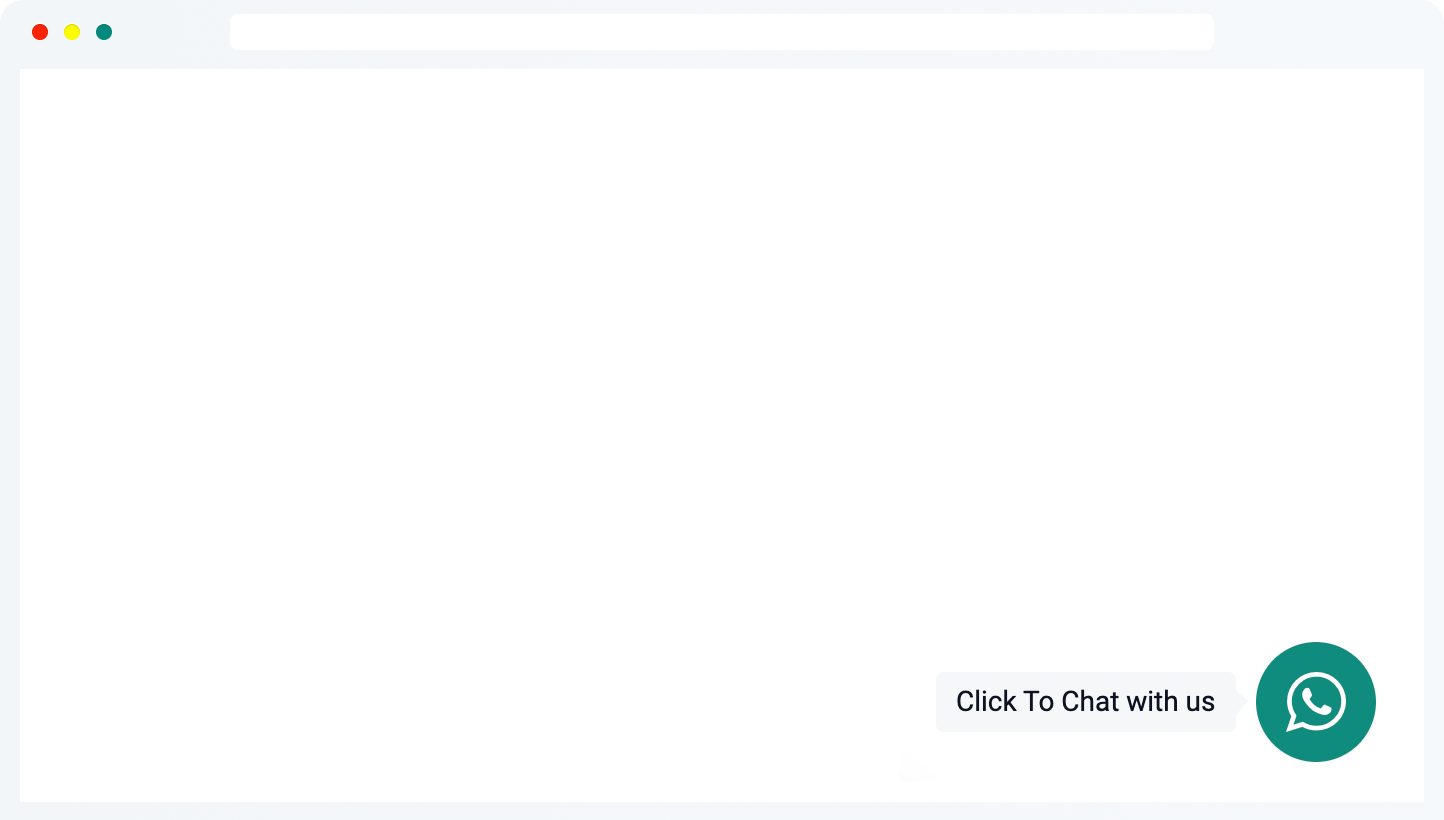
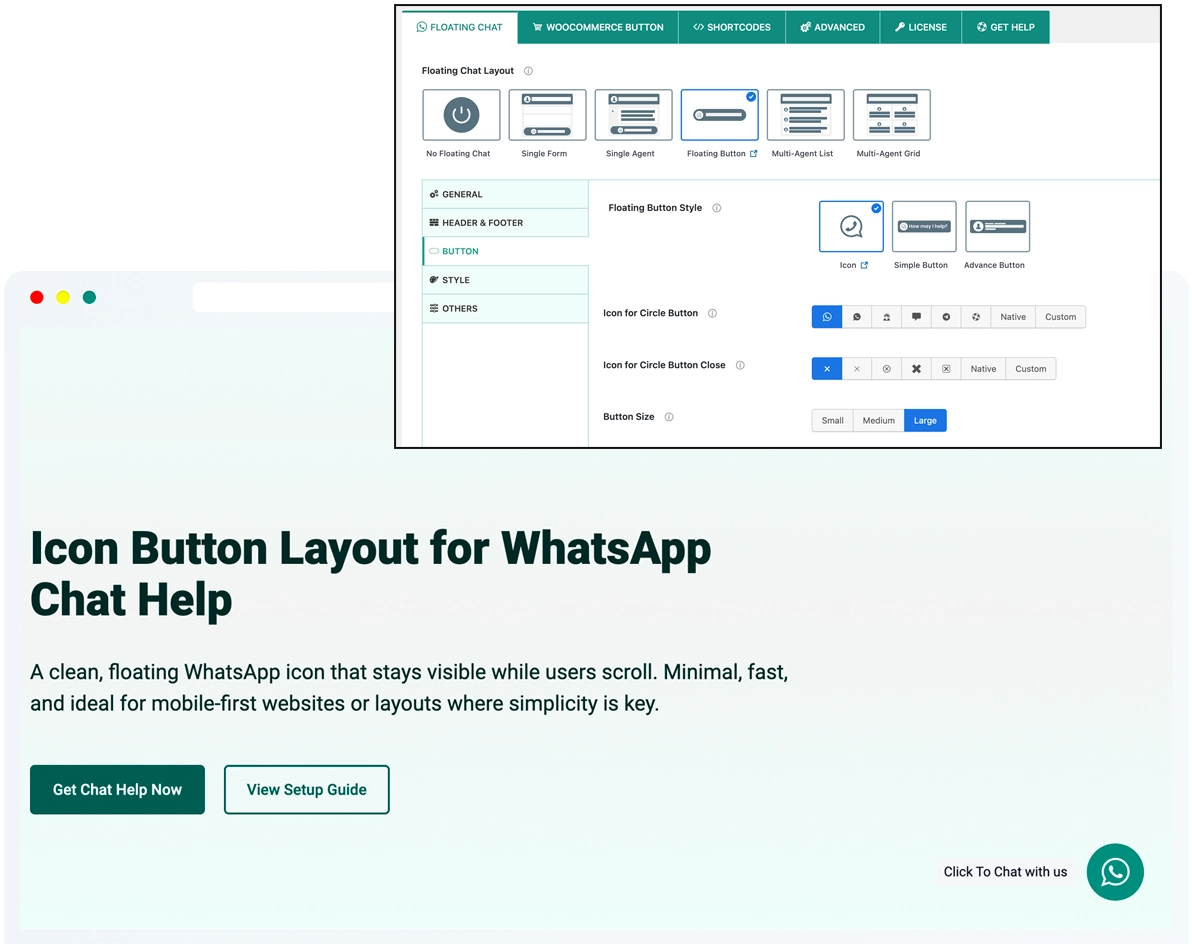
The Icon Button is the most compact floating option. It displays a clean WhatsApp icon that stays visible without taking up space — ideal when simplicity matters most. Choose from 1,000+ built-in icons, or upload your own custom SVG or image (PNG, JPG, and more) to perfectly match your brand.
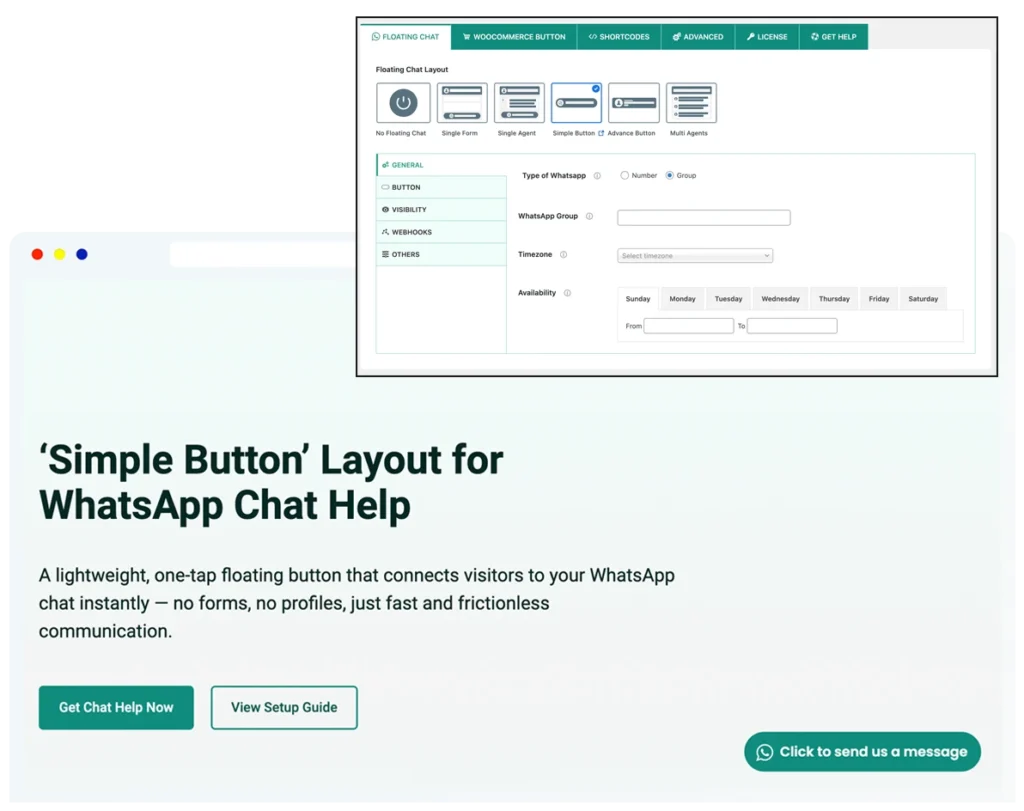
Simple Button
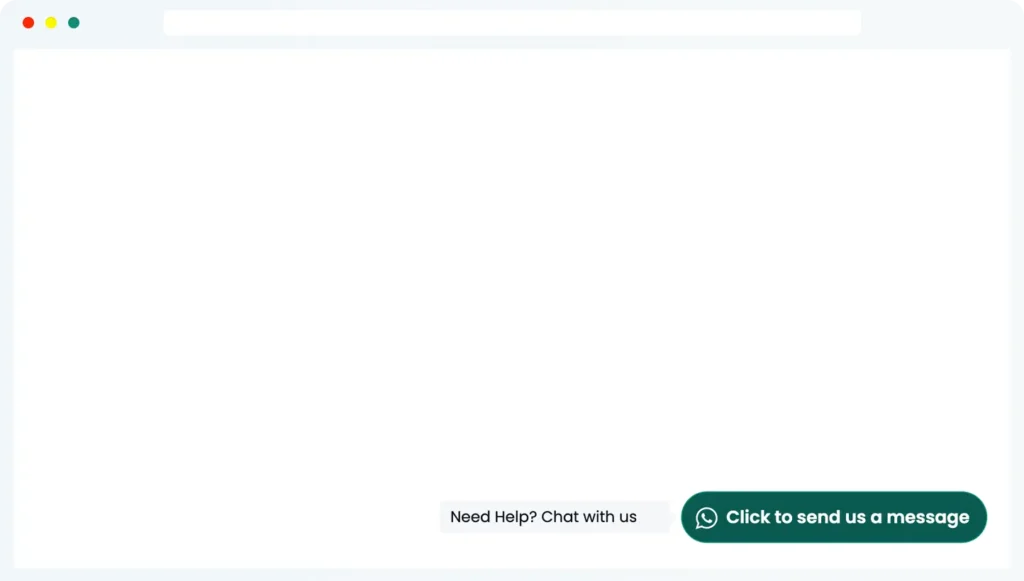
The Simple Button combines a WhatsApp icon with short text, giving visitors clear context without overwhelming the page. It’s clean, compact, and highly versatile — making it the default choice for most websites. You can show or hide the icon and select from 1,000+ pre-defined icons for a consistent look.
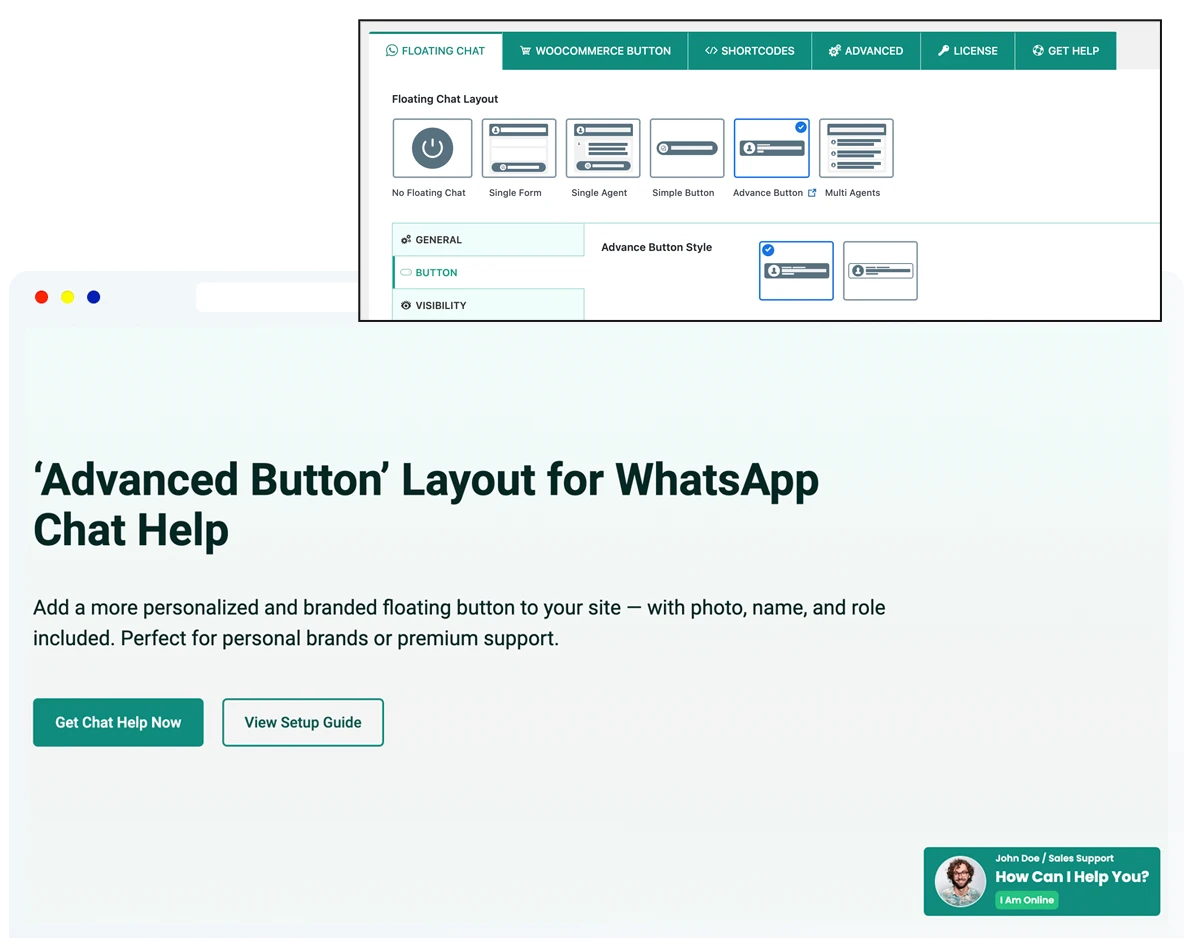
Advanced Button
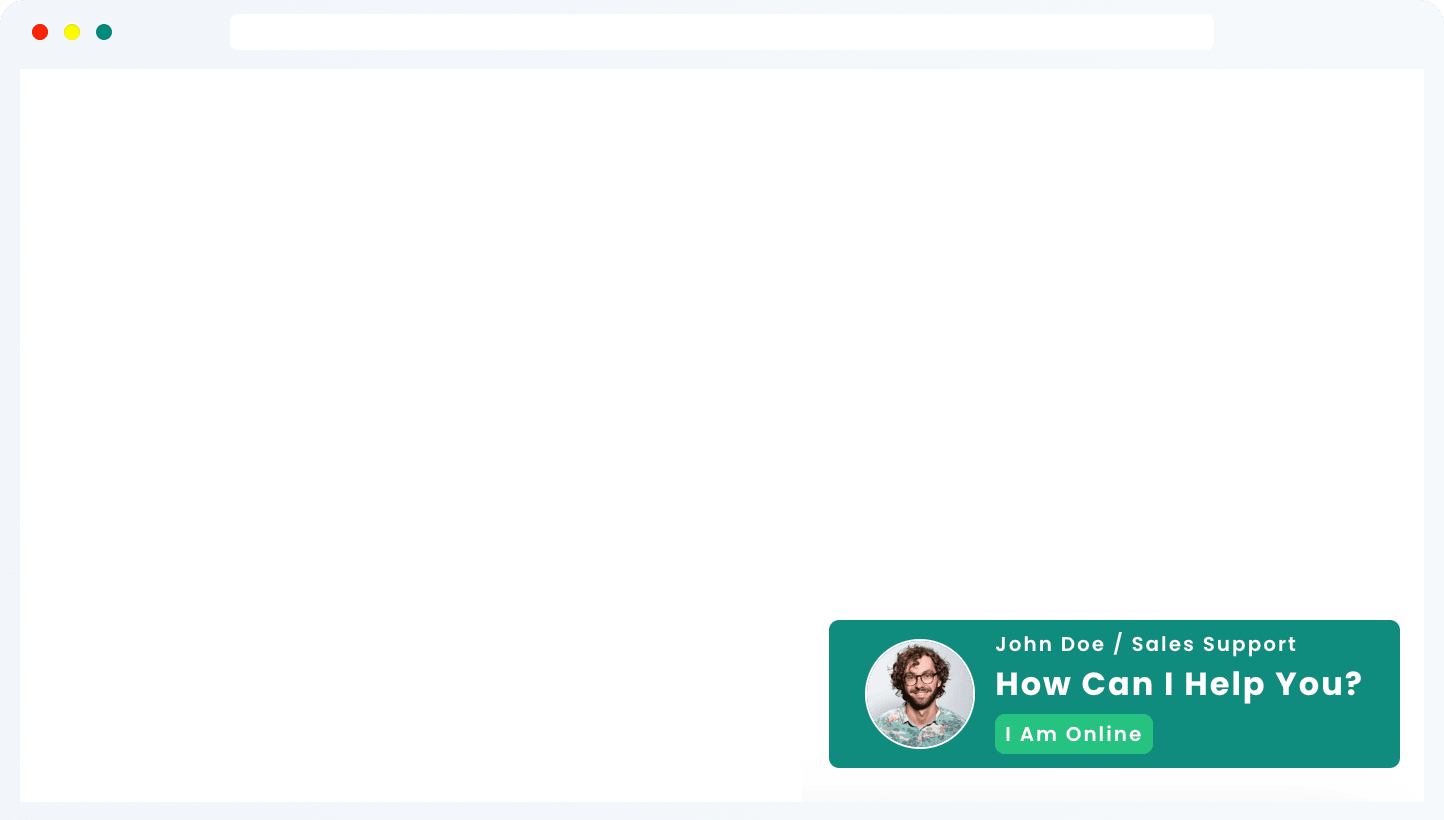
The Advanced Button adds personality and trust signals to your floating chat. With support for avatars, labels, and online/offline status, it’s designed to feel more human and approachable. This layout consistently delivers the highest engagement and conversion rates, especially for support and sales teams.
Need Help Setting It Up?
The WhatsApp Simple Chat Button for WordPress is quick to install and easy to customize. Follow our step-by-step guide or upgrade to unlock even more design and visibility options.
Best Use Cases for the WhatsApp Floating Button
The Floating Button is ideal when you want fast, direct WhatsApp access without popups or complex chat interfaces. It’s perfect for layouts where a lightweight, always-available chat button works best — especially on mobile.
Quick Contact on Mobile Sites
Let visitors reach you instantly with a single tap. The floating button stays visible as users scroll, making it perfect for fast, mobile-first interactions.
Landing Pages & Microsites
Add a clean WhatsApp contact option without cluttering your design or interrupting the user journey. One button, one action, zero friction.
Portfolios & Personal Sites
Keep it simple. A floating “Message Me” button via WhatsApp lets people contact you directly — no forms, no extra content, no distractions.
Small Businesses & Local Services
Ideal for shops, service providers, and solo operators who want a fast, low-maintenance way to handle customer inquiries through WhatsApp.
Support or Inquiry Pages
Offer real-time help exactly where users need it most — without opening a full chat panel or support system.
One-Person Teams
Perfect for solopreneurs who just want to stay reachable. The Floating Button makes it easy to respond without managing a full support workflow.
Frequently Asked Questions
Got questions about the WhatsApp Floating Button? Here are some quick answers to help you get started.